
Core Web Vitals Fixes Guide: Complete Technical Implementation for Better Rankings in 2026
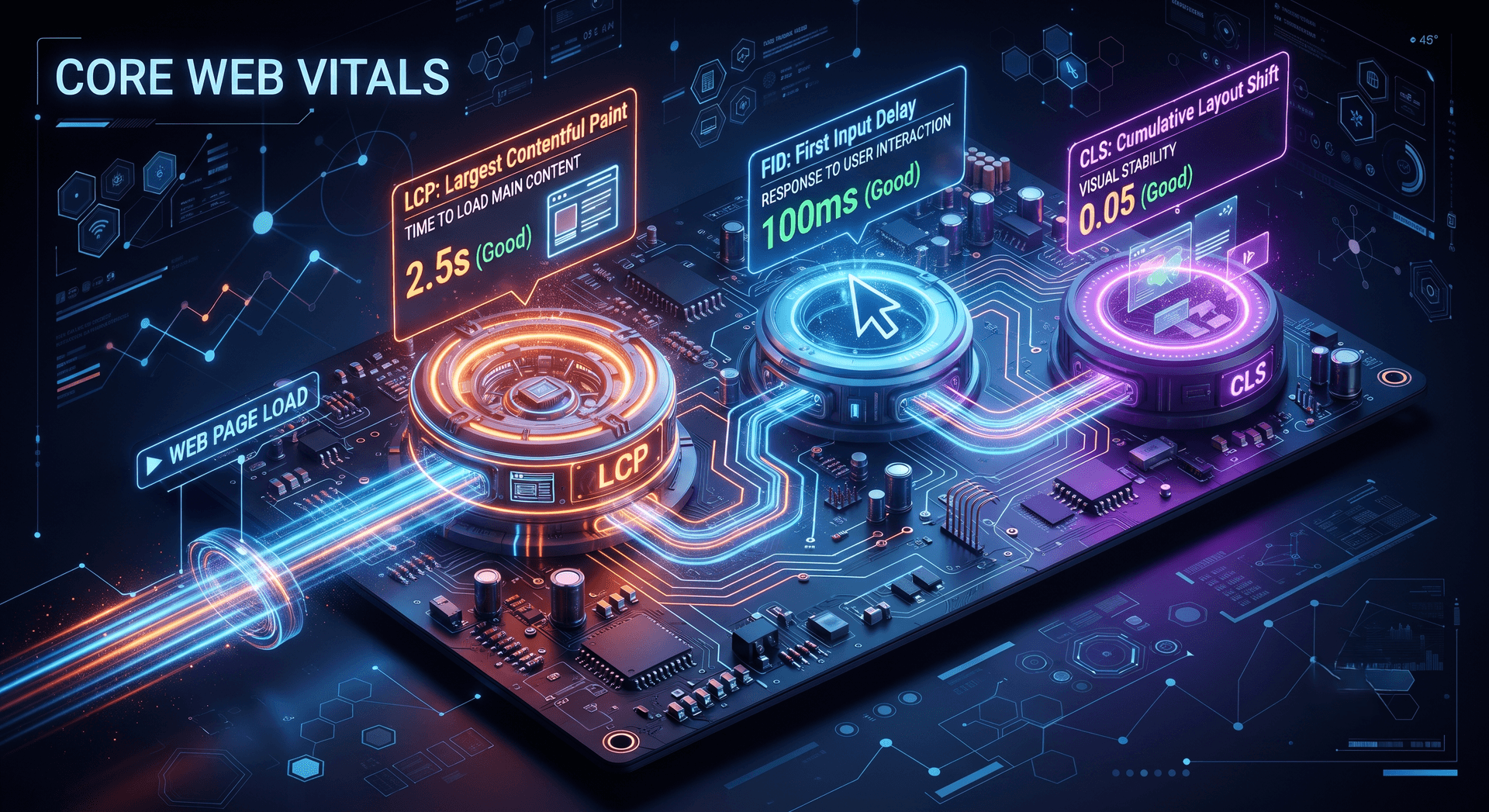
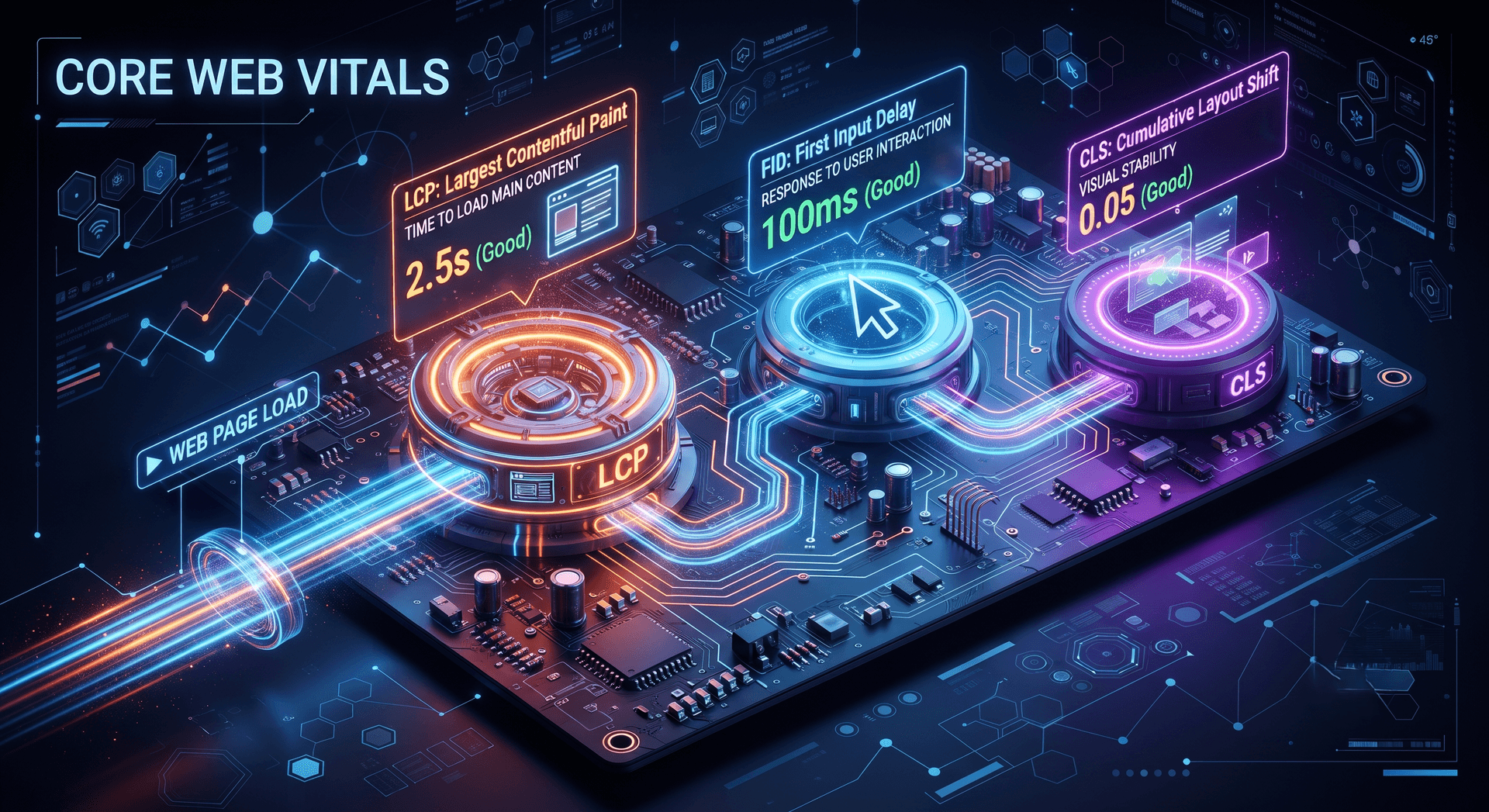
Master Core Web Vitals with our comprehensive fixes guide. Learn how to optimize Largest Contentful Paint, First Input Delay, and Cumulative Layout Shift for better SEO rankings and user experience. Includes technical fixes and best practices for students, professionals, and educators.
Understanding Core Web Vitals: The Complete Technical Guide
If you're a student diving into web development, a professional looking to improve your website's SEO, or an educator teaching digital skills, understanding Core Web Vitals has never been more critical. In 2024, Google made Core Web Vitals an official ranking factor, meaning your website's performance directly impacts its search visibility. This comprehensive guide walks you through everything you need to know about fixing these metrics.
What Are Core Web Vitals and Why Do They Matter?
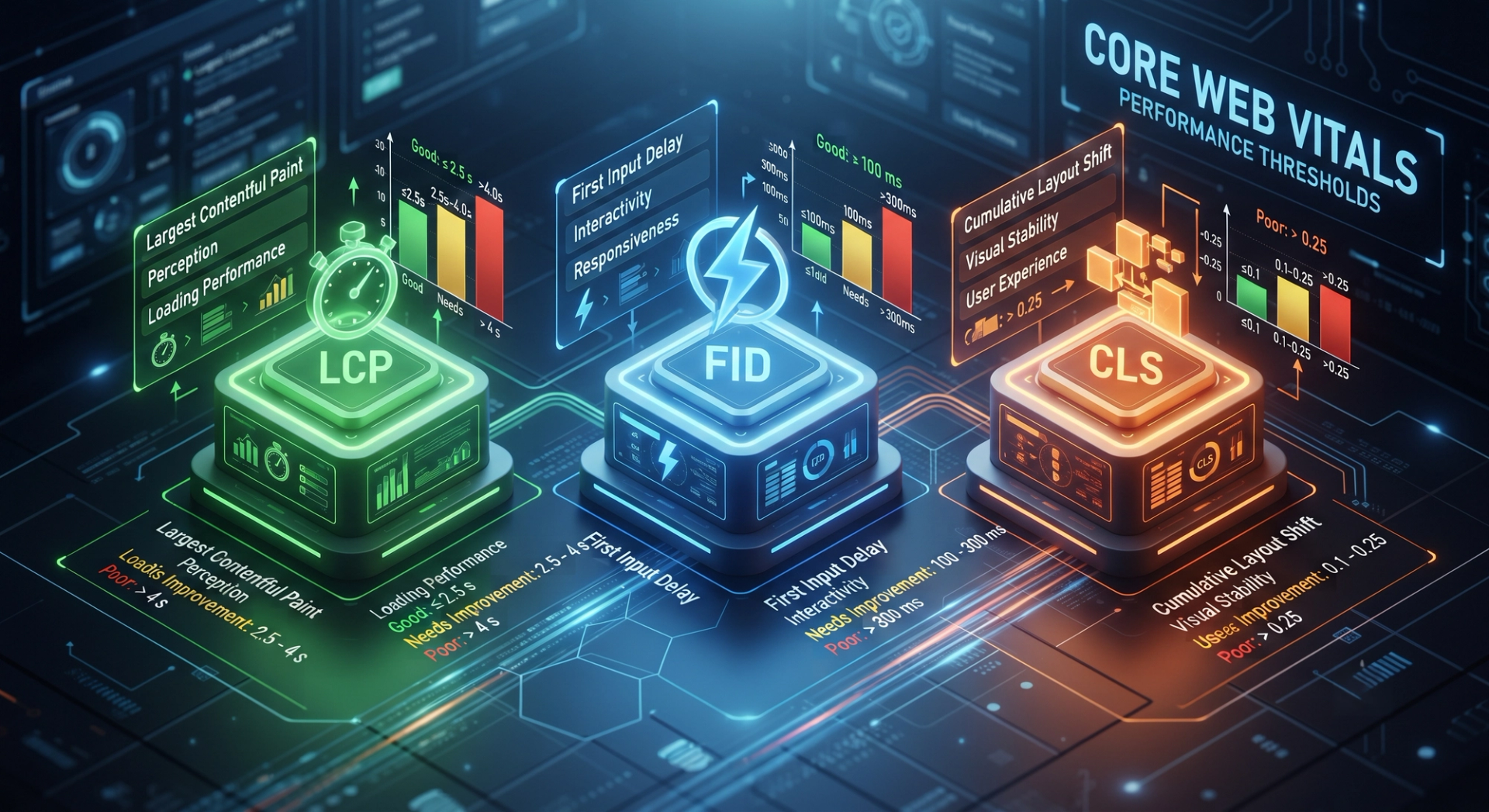
Core Web Vitals are three specific metrics that Google uses to assess your website's user experience. They measure three critical aspects of how users interact with your site:
- Largest Contentful Paint (LCP) - Loading Performance
- First Input Delay (FID) - Interactivity
- Cumulative Layout Shift (CLS) - Visual Stability
These metrics were introduced by Google to ensure websites provide excellent user experiences. For college students building their first websites, IT professionals managing enterprise platforms, and teachers educating the next generation of developers, mastering these metrics is essential.
Why Your Website's Core Web Vitals Matter
When parents evaluate online learning platforms and teachers research EdTech solutions, they consciously or unconsciously notice if the website feels slow or jumpy. A website that loads slowly frustrates users, leading to higher bounce rates. Similarly, when IT professionals evaluate software tools, performance is a deciding factor.
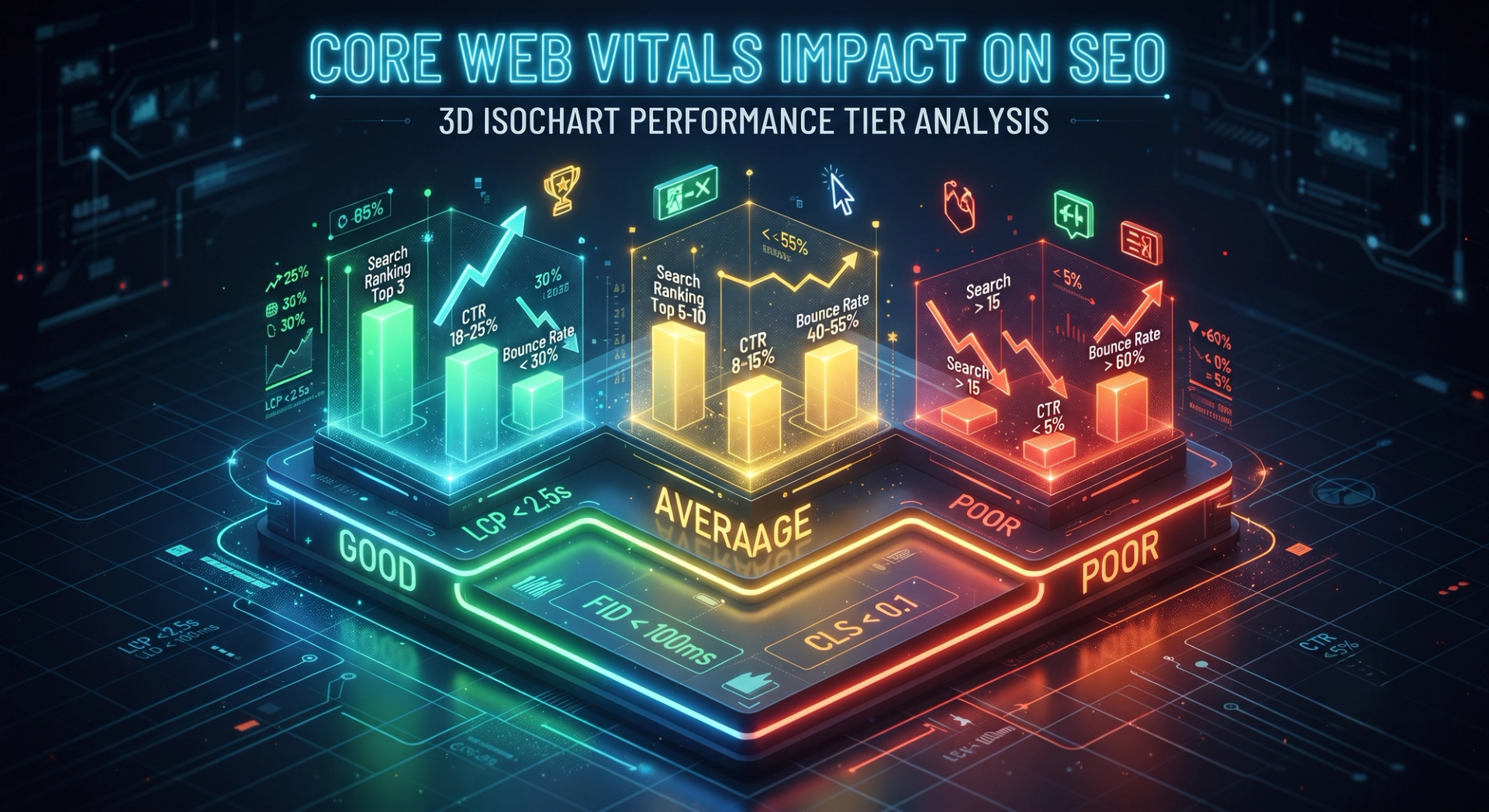
Google recognized this pattern and made Core Web Vitals part of its ranking algorithm. This means websites with poor Core Web Vitals scores will rank lower in search results, directly impacting visibility and traffic.
The Three Core Web Vitals Metrics Explained
1. Largest Contentful Paint (LCP): Understanding Loading Performance
What is LCP?
Largest Contentful Paint measures the time it takes for the largest element on your webpage typically an image, video, or text block to become visible to the user. It's about the user's perception of loading speed.
LCP Thresholds:
- Good: 0-2.5 seconds
- Needs Improvement: 2.5-4 seconds
- Poor: Above 4 seconds
Why LCP Matters for Students and Educators:
When a student visits an online tutorial platform, they expect the main content to load quickly. If instructional videos or course materials take too long to appear, students abandon the page. For educators, this directly impacts learning outcomes and student retention.
2. First Input Delay (FID): Measuring Interactivity
What is FID?
First Input Delay measures the time between when a user first interacts with your page (clicking a button, typing in a form) and when the browser responds to that interaction. It's about responsiveness.
FID Thresholds:
- Good: 0-100 milliseconds
- Needs Improvement: 100-300 milliseconds
- Poor: Above 300 milliseconds
FID in Real-World Scenarios:
Imagine you're filling out a college admission form on a university website. You click the "Submit" button, but the page doesn't respond for 2 seconds. This poor FID creates frustration and increases form abandonment rates.
3. Cumulative Layout Shift (CLS): Ensuring Visual Stability
What is CLS?
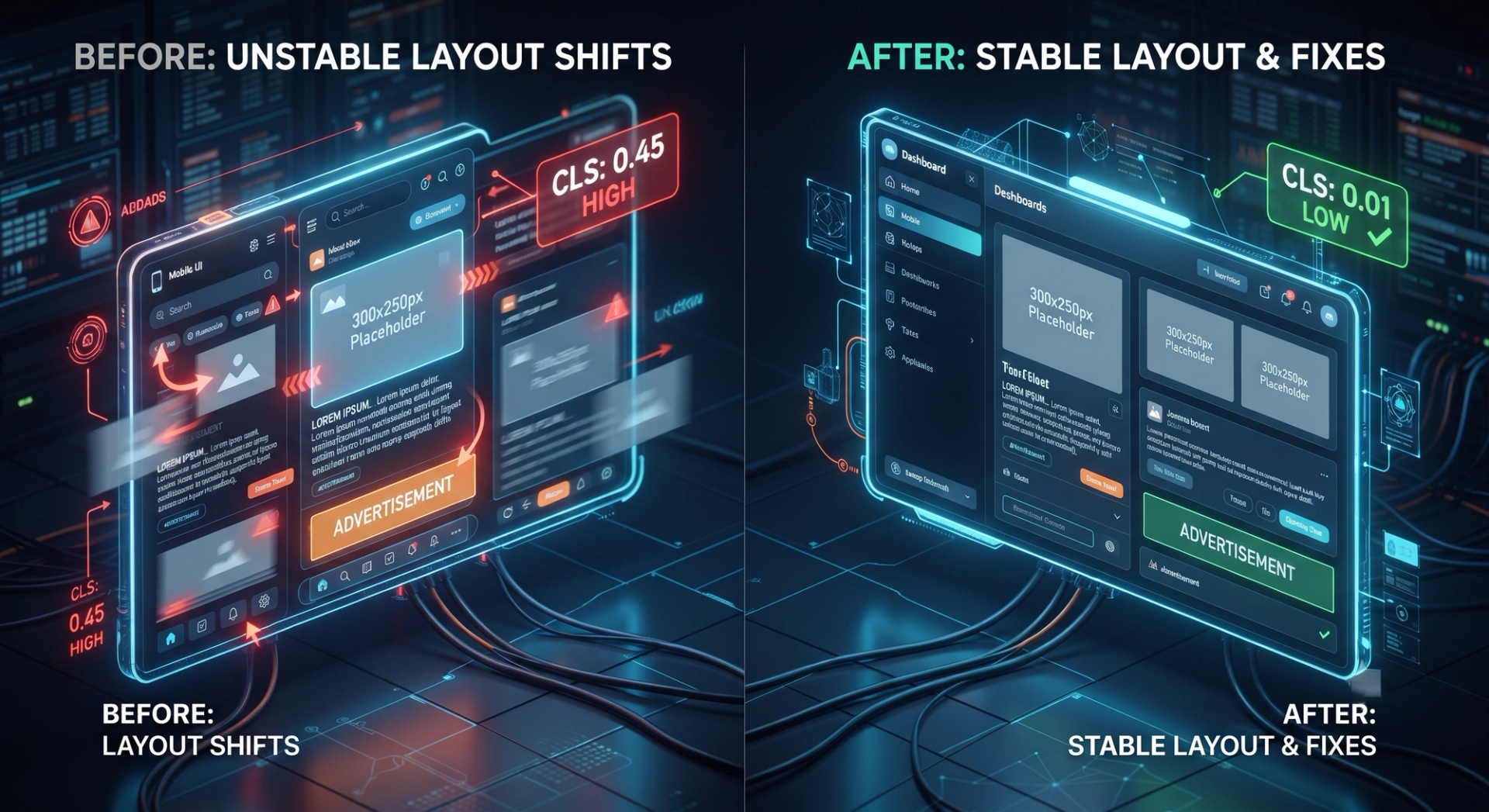
Cumulative Layout Shift measures how much your page's elements move around as it loads. An unexpected layout shift might cause users to click the wrong button or lose their place while reading.
CLS Thresholds:
- Good: 0-0.1
- Needs Improvement: 0.1-0.25
- Poor: Above 0.25
CLS Examples:
Picture scrolling through an article on a education news website. Suddenly, an advertisement loads above the text, pushing your reading material down. That's layout shift, and it's frustrating for users.
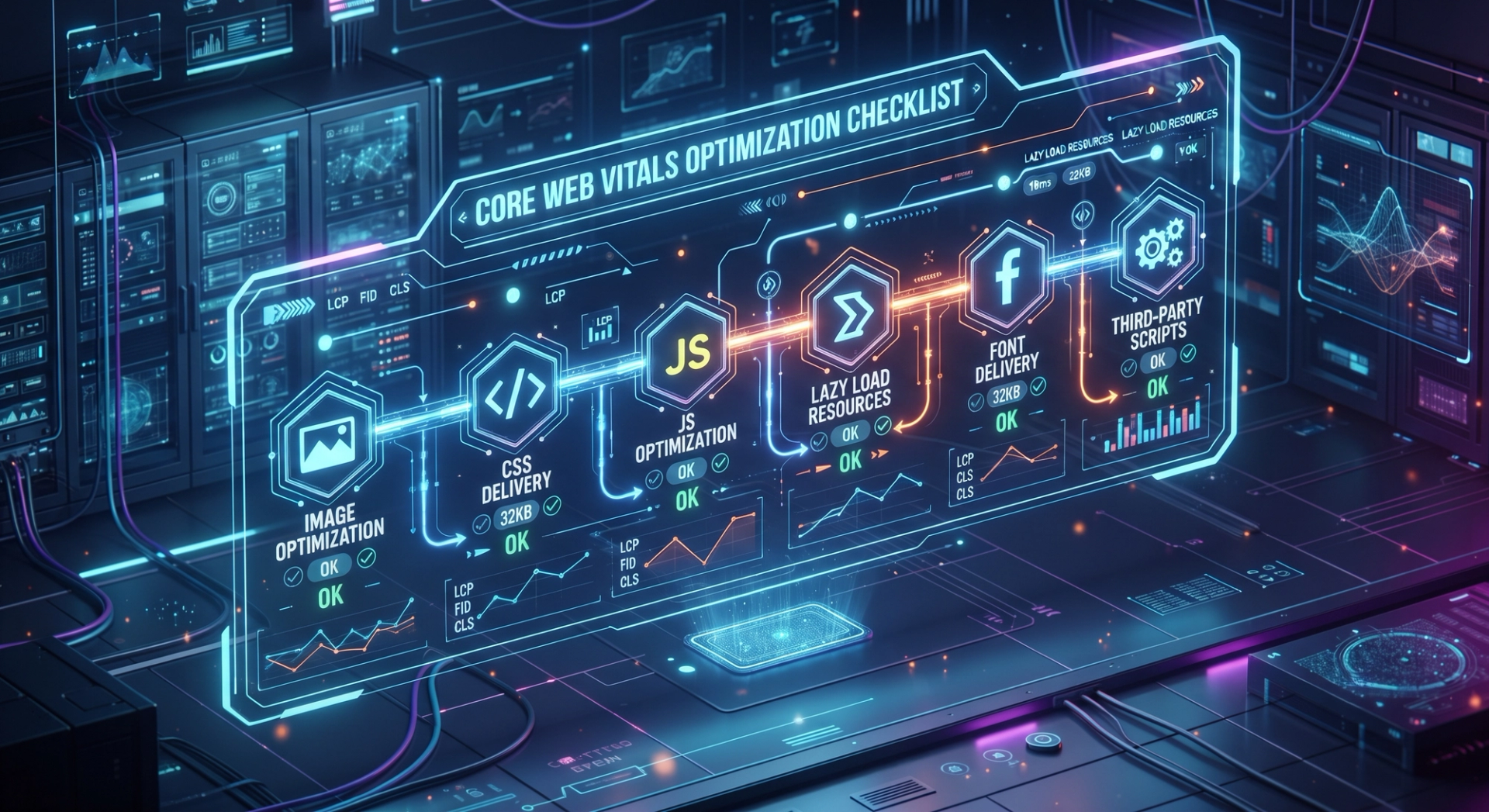
Practical Fixes for LCP (Largest Contentful Paint)
1. Optimize Images for Faster Loading
Images are typically the largest elements on a page. Here's how to optimize them:
Compress Your Images:
- Use tools like TinyPNG, ImageOptim, or Squoosh
- Reduce file size without sacrificing quality
- For students: these tools are often free
Use Next-Generation Formats:
- Switch from JPG/PNG to WebP format
- WebP offers 25-35% better compression
- Implement with fallback for older browsers
Implement Responsive Images:
2. Minimize Server Response Time
Server response time, also called Time to First Byte (TTFB), is crucial for LCP.
Improvements to Make:
- Upgrade hosting from shared to managed hosting
- Use Content Delivery Networks (CDNs) like Cloudflare
- Implement server-side caching
- Use database query optimization
- Switch from traditional servers to serverless architecture
For IT professionals and graduates, understanding these concepts is essential for career advancement. Learn from industry experts through hands-on courses in software testing, data science, web development, and digital marketing.
3. Prioritize Critical CSS
Critical CSS is the minimum CSS needed to render above-the-fold content.
Implementation:
- Extract critical CSS and inline it in the
<head> - Defer non-critical CSS loading
- Use tools like Critical or UnCSS
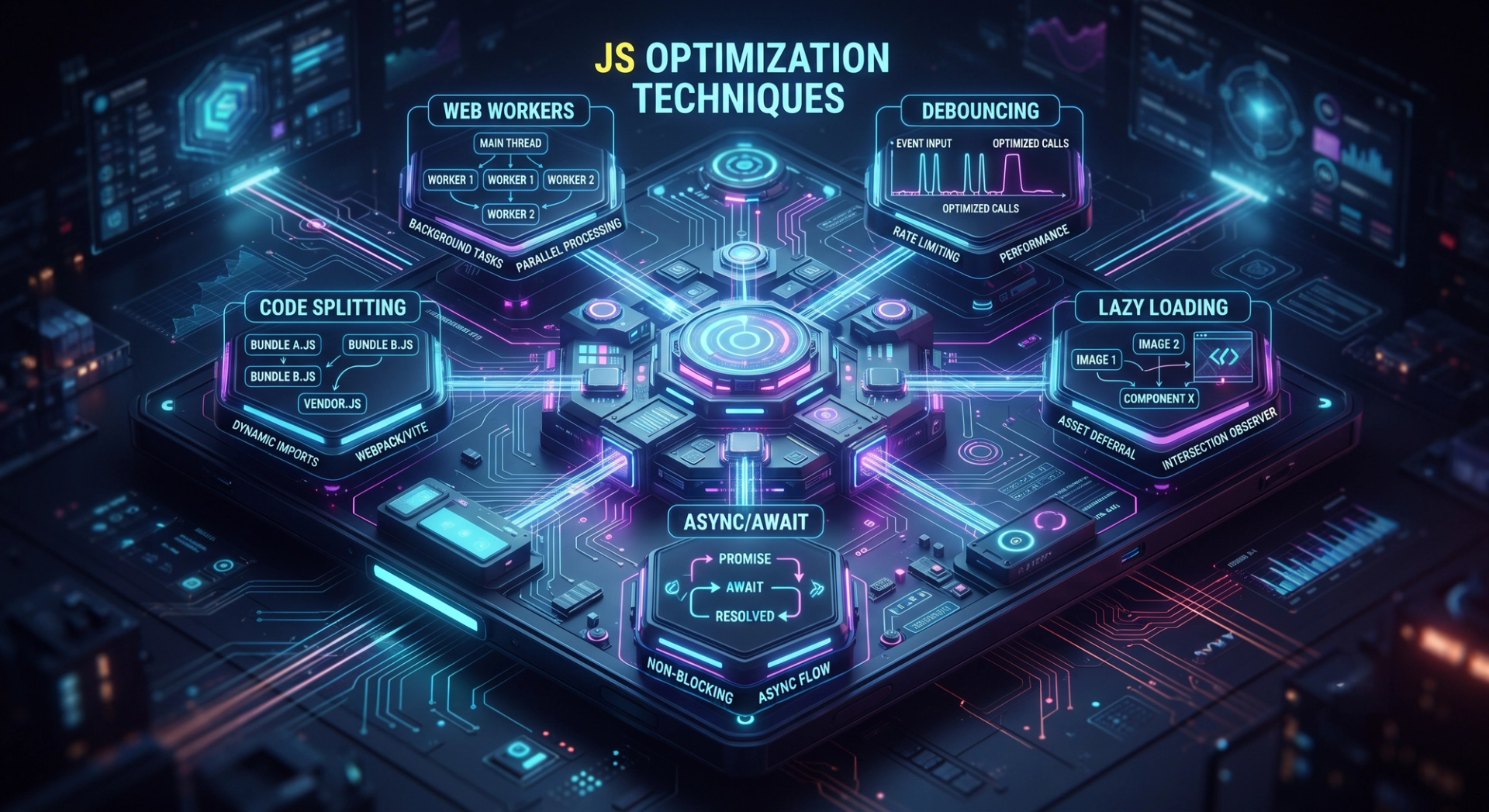
4. Defer Non-Critical JavaScript
JavaScript execution can block rendering and delay LCP.
Best Practices:
- Mark scripts as
asyncordeferwhen appropriate - Move heavy calculations to Web Workers
- Remove unused JavaScript
Practical Fixes for FID (First Input Delay)
1. Break Up Long JavaScript Tasks
JavaScript execution blocks user interactions. Breaking tasks into smaller chunks improves responsiveness.
Implementation:
2. Reduce Third-Party JavaScript
Third-party scripts (analytics, ads, chat widgets) often impact FID significantly.
Management Strategy:
- Audit all third-party scripts
- Load them asynchronously
- Consider necessity of each script
- Use lazy loading for below-the-fold elements
3. Use Web Workers for Heavy Processing
Web Workers allow JavaScript to run in background threads.
4. Optimize Interaction Handlers
Make event listeners efficient:
- Debounce scroll and resize events
- Use event delegation
- Avoid expensive operations in handlers
Practical Fixes for CLS (Cumulative Layout Shift)
1. Set Explicit Dimensions for Media Elements
Always specify width and height for images and videos.
2. Avoid Inserting Content Above Existing Content
Never insert elements that push existing content down.
3. Use transform Instead of Top/Left Properties
Transform properties don't trigger layout recalculation.
4. Load Fonts Properly
Font loading can cause layout shifts as characters change size.
5. Manage Advertisements Carefully
Ads are common culprits for layout shift.
Tools for Monitoring and Testing Core Web Vitals
1. Google PageSpeed Insights
The official Google tool provides Core Web Vitals data and recommendations.
How to Use:
- Visit PageSpeed Insights
- Enter your URL
- Get Lab Data (synthetic) and Field Data (real users)
- Review recommendations by priority
2. Google Search Console
Monitor Core Web Vitals data for your entire website.
Benefits:
- See performance trends
- Identify pages with issues
- Track improvements over time
- Get segmented data by device
Explore more about SEO tools in our Digital Marketing courses.
3. Chrome DevTools Lighthouse
Built into Chrome browser for detailed performance audits.
Access:
- Open Chrome Developer Tools (F12)
- Go to Lighthouse tab
- Run audit for Performance report
4. WebVitals JavaScript Library
Include real user metrics in your analytics:
5. Real User Monitoring (RUM) Tools
- New Relic
- Datadog
- Sentry
- CloudFlare
Implementation Roadmap for Different User Groups
For College Students and Graduates
Focus Areas:
- Learn using our software courses
- Practice with real projects in your portfolio
- Understand the "why" behind optimizations
- Build habit of performance testing
Timeline: 4-6 weeks to master all aspects
For Educators and Professors
Teaching Approach:
- Explain business impact first (SEO ranking)
- Show practical demonstrations
- Have students measure and improve their projects
- Incorporate into curriculum
Resource: Consider our faculty development programs.
For IT Professionals
Implementation Strategy:
- Audit current infrastructure
- Prioritize high-impact fixes
- Implement A/B testing
- Monitor production performance
- Establish ongoing optimization process
Career Advancement: These skills are highly sought after. Explore our advanced technical courses.
For Parents Evaluating EdTech Solutions
What to Look For:
- Check PageSpeed Insights scores
- Test on both desktop and mobile
- Ensure smooth interactions
- Verify no unexpected layout shifts
Common Mistakes to Avoid
1. Ignoring Mobile Performance
Core Web Vitals are measured primarily on mobile devices.
Mistake: Optimizing only for desktop
Solution: Test on real mobile devices and real 4G connections
2. Focusing on Lab Data Only
Lab data doesn't capture real-world variability.
Mistake: Ignoring Google Search Console field data
Solution: Monitor both lab and field data
3. Optimizing Without Monitoring
You can't improve what you don't measure.
Mistake: Making changes without baseline metrics
Solution: Set up monitoring before and after changes
4. Ignoring Third-Party Impact
Third-party scripts significantly impact performance.
Mistake: Not auditing third-party scripts
Solution: Regularly review and prioritize third-party tools
5. Making Drastic Changes at Once
Multiple changes make it hard to identify what helped.
Mistake: Changing everything simultaneously
Solution: Implement fixes methodically and measure impact
Advanced Optimization Techniques
1. Image Lazy Loading
Load images only when needed:
2. Font Display Optimization
Control how fonts display while loading:
3. Critical Rendering Path Optimization
Understand and optimize the rendering pipeline:
- Parse HTML → Build DOM
- Parse CSS → Build CSSOM
- Combine → Build Render Tree
- Layout → Calculate geometry
- Paint → Convert to pixels
- Composite → Combine layers
4. Resource Hints
Optimize resource loading priority:
5. Brotli Compression
Better compression than gzip:
Measuring Success: Key Metrics to Track
Metrics to Monitor
- LCP: Aim for < 2.5 seconds
- FID: Aim for < 100 milliseconds
- CLS: Aim for < 0.1
- Bounce Rate: Should decrease as performance improves
- Conversion Rate: Should increase with better performance
- Time on Page: Should increase as experience improves
ROI of Core Web Vitals Optimization
Studies show:
- 40% reduction in bounce rate with LCP improvement from 4s to 2s
- 25% increase in conversions with overall performance improvement
- Better user satisfaction leading to repeat visits
- Improved SEO ranking capturing higher search traffic
Step-by-Step Implementation Plan
Week 1-2: Audit & Analysis
- Run PageSpeed Insights audit
- Check Google Search Console for Core Web Vitals data
- Identify three most impactful issues
- Set baseline metrics
Week 3-4: Quick Wins
- Optimize and compress images
- Implement lazy loading
- Defer non-critical JavaScript
- Set up proper caching
Week 5-6: Technical Optimization
- Minimize server response time
- Implement CDN
- Optimize critical CSS
- Break up long JavaScript tasks
Week 7-8: Testing & Refinement
- Test changes on real devices
- Monitor field data
- Adjust based on metrics
- Plan ongoing optimization
Week 9+: Maintenance
- Establish performance monitoring
- Regular audits (monthly)
- Update as new metrics emerge
- Train team on best practices
Career Opportunities in Web Performance
Understanding Core Web Vitals opens doors to:
- Web Performance Engineer - $100K-150K annually
- Performance Optimization Specialist - $80K-120K annually
- Front-End Engineer - $120K-180K annually
- SEO Technical Specialist - $70K-100K annually
Start your journey with our full stack java development course designed for professionals and graduates.
Conclusion: Your Path to Better Performance
Core Web Vitals are no longer optional they're essential to modern web development. Whether you're a student building your portfolio, an IT professional managing enterprise systems, an educator teaching the next generation, or a parent evaluating online platforms, understanding these metrics matters.
The fixes outlined in this guide are practical, implementable, and measurable. Start with the low-hanging fruit image optimization and lazy loading then progress to more complex solutions like JavaScript optimization and server-side improvements.
Remember, performance optimization is an ongoing process. Monitor your metrics regularly, stay updated with Google's recommendations, and continuously improve your website's user experience.
Ready to master web performance?
Explore our full range of technical training programs and take your skills to the next level. Our expert mentors and live projects will ensure you not only understand Core Web Vitals but can implement them professionally.
FAQ: Common Questions About Core Web Vitals
Q: How quickly will I see ranking improvements after fixing Core Web Vitals?
A: Google may take 28 days to recrawl your pages. You may see ranking improvements within 4-8 weeks.
Q: Which metric is most important?
A: All three are equally important for ranking. However, LCP typically has the biggest visual impact on user experience.
Q: Can I improve Core Web Vitals without technical knowledge?
A: Yes, using page builders and optimization plugins. However, understanding the underlying concepts helps more.
Q: How often should I test my Core Web Vitals?
A: Test before major changes. Monitor continuously using real user data. Full audits monthly.
Q: Is it possible to have perfect Core Web Vitals?
A: Yes, many websites achieve 100/100 Lighthouse scores, but vary in real-world data due to user device differences.
Related Reading
Learn More About SEO and Digital Marketing at Cinute Digital , Understand Impact on EdTech Platforms
Tags

A passionate and detail-oriented frontend developer with a strong knowledge in Web Development and strong foundation in HTML, CSS, JavaScript, React.js and Next.js.