
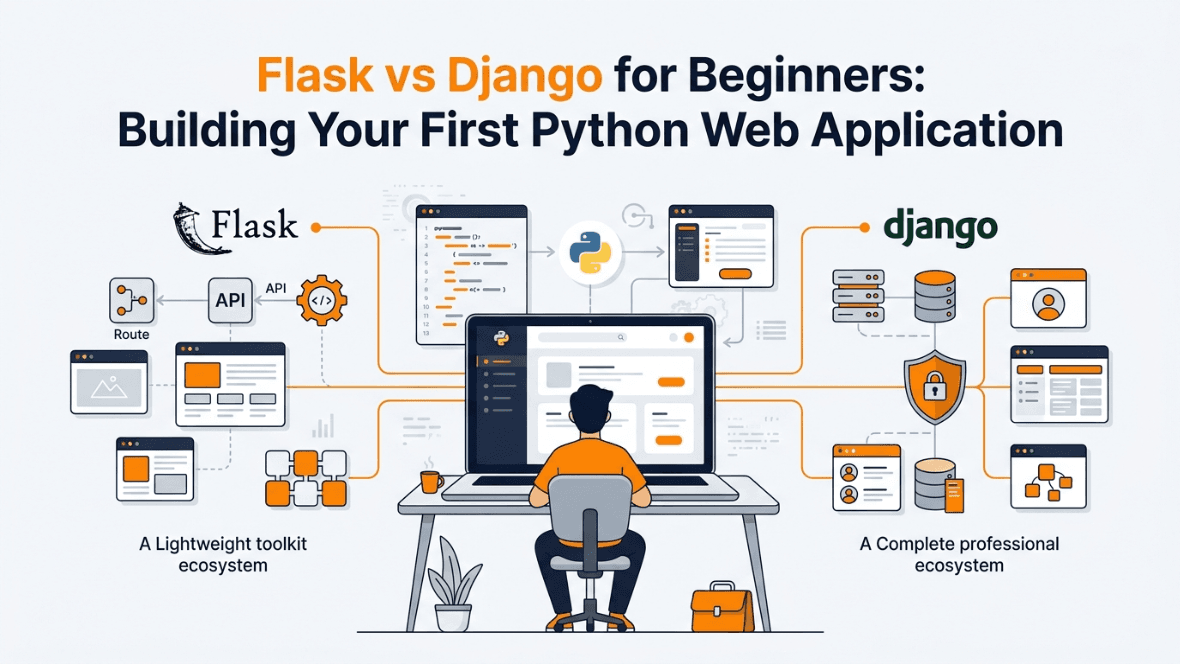
Flask vs Django: How to Build Your First Python Web App in 2026 [Beginner's Guide]
![Flask vs Django: How to Build Your First Python Web App in 2026 [Beginner's Guide]](/_next/image?url=https%3A%2F%2Fcdn.sanity.io%2Fimages%2F2bvrjzxq%2Fproduction%2F94f25291d684adc26d5cc9cc6e8a2eb8a295750f-1180x664.png&w=1920&q=90)
Learn Flask and Django from scratch with this beginner-friendly guide. Discover the key differences between these popular Python frameworks, build your first web application, explore real-world projects, and understand the career opportunities available for Python web developers in 2026. Whether you're a student, career switcher, or aspiring developer, this guide provides a clear roadmap from learning Python basics to becoming job-ready.
Learn Flask and Django from scratch and build your first Python web application. Compare both frameworks, create real-world projects, and start your journey toward a career in web development.
Have you ever wondered how websites like Instagram, Zomato, or your college's online admission portal actually work?
Every website has two sides. The side you see the buttons, images, and text is called the frontend. And the side that works behind the scenes storing your data, checking your password, processing your orders is called the backend.
Python frameworks like Flask and Django power that backend. They are used by some of the biggest companies in the world, and learning either one can open the door to a well-paying tech career in India even if you have never written a single line of code before.
In this guide, you will learn:
- What Flask and Django actually are (in simple language)
- How they are different from each other
- How to build your very first web app step by step
- What jobs you can get and what salary to expect in 2026
- How to learn faster and avoid common beginner mistakes
This guide is written for fresh graduates, career switchers, and anyone who is curious about web development. No complicated words. No assumptions about what you already know. Let us start from zero.
First, What Is a Web Application?
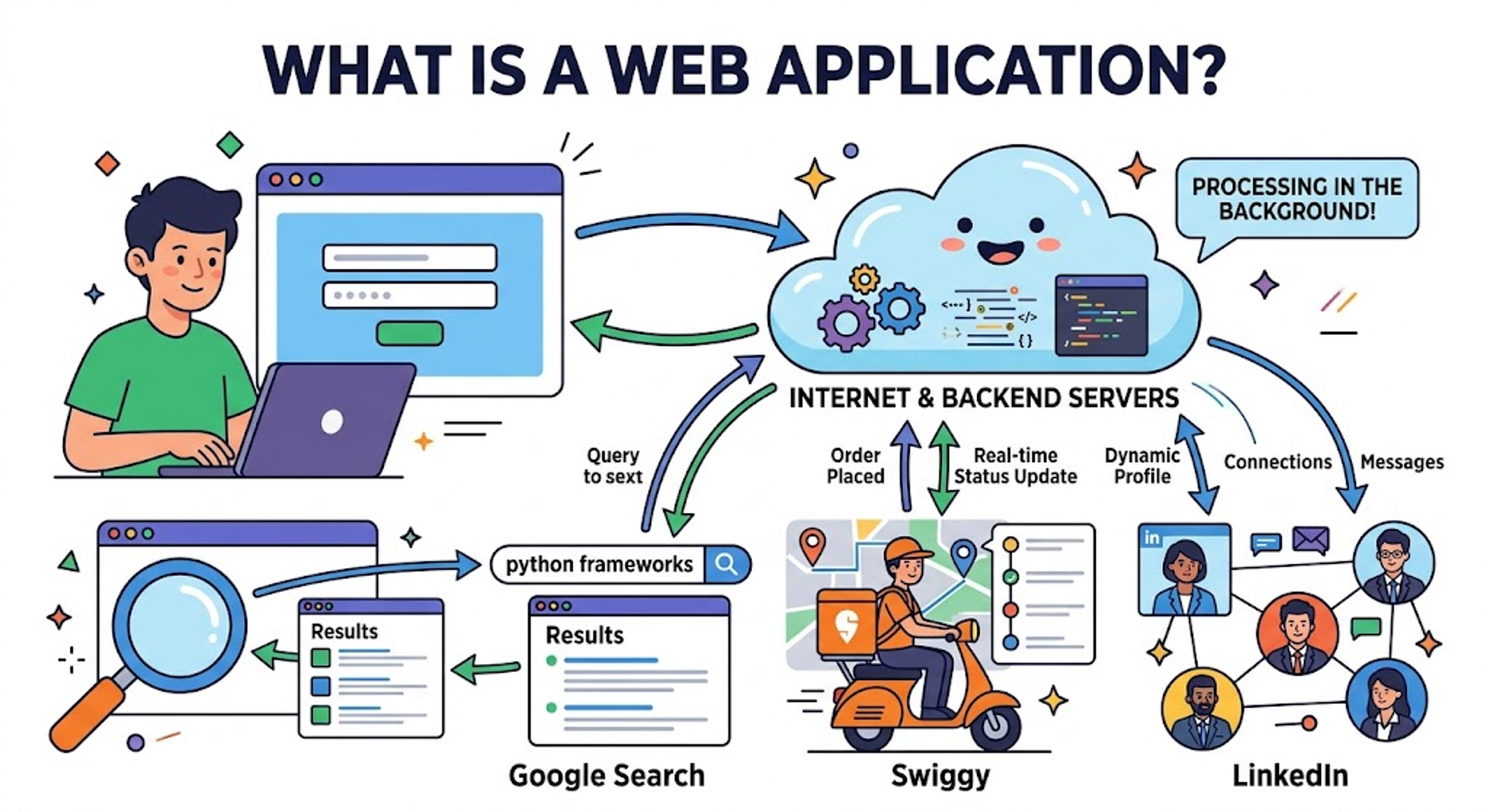
A web application is a program that runs inside your browser. Unlike a software like MS Excel that sits on your computer, a web app lives on the internet.
Examples of web apps you use every day:
- Google Search - You type a query, Google processes it on its servers, and sends back results
- Swiggy - You place an order, Swiggy's backend calculates the delivery route, updates your status in real time
- LinkedIn - Your profile, connections, and messages are all stored and served dynamically
All of this "processing that happens in the background" is written using backend frameworks. In the Python world, the two most popular ones are Flask and Django.
What Is Python? (A Quick Recap)
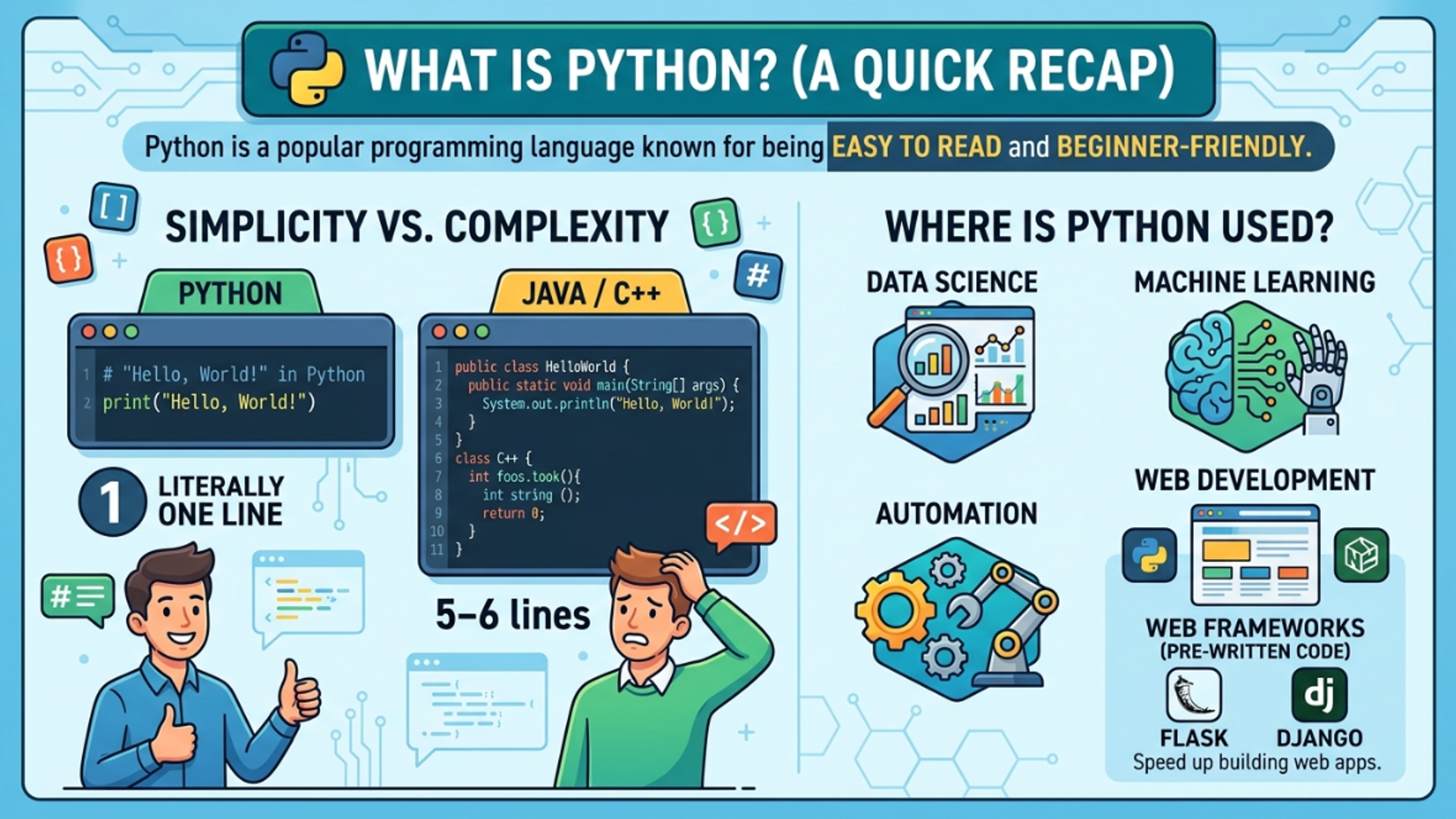
Python is a programming language that is famous for being clean and easy to read. It looks almost like plain English, which is why it is the most recommended language for beginners.
Here is what "Hello, World!" looks like in Python:
python
That is literally one line. Compare that to Java or C++, where the same thing takes 5–6 lines. Python's simplicity is why it is used everywhere in data science, machine learning, automation, and web development.
Flask and Django are both Python frameworks meaning they are libraries of pre-written code that make building web apps much faster and easier.
What Is Flask?
Imagine you want to cook a meal at home. Flask is like a basic kitchen. You have a stove and a few essential utensils. You get to choose your own ingredients, your own recipe, and cook exactly what you want. Nothing is forced on you.
Flask is a lightweight Python web framework. It was created in 2010 and is often called a "microframework" because it starts small. It gives you the bare minimum to get a web app running, and then you add whatever you need on top of it.
Key features of Flask:
- Very easy to learn ideal for beginners
- You write only the code you need no extra bloat
- Great for small projects, REST APIs, and prototypes
- Complete freedom to structure your project the way you want
- Huge community with lots of tutorials and examples
Flask is the perfect starting point if you are new to web development.
What Is Django?
Now imagine you are running a restaurant. Django is like a fully equipped professional kitchen. Everything is already in place the prep counter, the storage, the dishwasher, the billing system. There are rules about how things should be organised, but those rules exist for a reason: they make everything run efficiently when you are handling hundreds of orders at once.
Django is a full-featured Python web framework. It was created in 2003 and follows a philosophy called "batteries included" meaning it comes with almost everything you need out of the box.
Key features of Django:
- Built-in admin panel (you get a full dashboard for free)
- Built-in user authentication (login, logout, password reset)
- Built-in database management (called Django ORM)
- Great for medium to large projects
- Used by Instagram, Pinterest, Disqus, and even NASA
- Very clean and organised project structure
Django is ideal when you want to build something more powerful and are ready to follow a structured approach.
Flask vs Django: Side by Side
Here is a simple comparison to help you decide which one to start with:
Which one should you start with?
If you are a complete beginner, start with Flask. It will teach you the fundamentals of web development without overwhelming you with too many files and concepts at once.
Once you are comfortable with Flask, move to Django. Many professional developers know both and knowing both makes you significantly more hireable.
Setting Up Your Environment (Do This First)
Before writing any code, you need to set up your computer. Follow these steps:
Step 1: Install Python
Go to python.org and download Python 3.10 or above. During installation on Windows, make sure to check the box that says "Add Python to PATH" this is important.
To confirm Python installed correctly, open your terminal and type:
bash
You should see something like Python 3.12.0.
Step 2: Install VS Code
Download Visual Studio Code from code.visualstudio.com. It is free, lightweight, and widely used by professional developers.
Step 3: Create a Virtual Environment
A virtual environment is like a clean, separate workspace for each project. It keeps your project's packages isolated so they don't interfere with other projects on your computer.
Open your terminal and type:
bash
Activate it:
- On Windows:
myenv\Scripts\activate - On Mac or Linux:
source myenv/bin/activate
Once activated, you will see (myenv) at the beginning of your terminal line. You are now inside the virtual environment.
Tip: Always activate your virtual environment before starting work on a project. It is a good habit that will save you a lot of confusion later.
Building Your First Flask App (Step by Step)
Let us build a simple Flask web app from scratch. This will take about 10 minutes.
Step 1: Install Flask
With your virtual environment active, type:
bash
Step 2: Create Your App File
Create a new folder for your project. Inside it, create a file called app.py and add this code:
python
Step 3: Run It
In your terminal, navigate to your project folder and type:
bash
Now open your browser and go to: http://127.0.0.1:5000/
You should see: "Hello! Welcome to my first Flask web app!"
You just built and ran a web server. That is genuinely impressive for a first attempt.
Understanding the Code Line by Line
Let us break it down so you understand exactly what is happening:
python
python
python
Adding More Pages
Let us add an About page and a Contact page:
python
Visit http://127.0.0.1:5000/about and http://127.0.0.1:5000/contact in your browser. Each route serves a different page. This is the foundation of every website on the internet.
Building Your First Django App (Step by Step)
Django has more steps to set up, but it gives you much more power. Let us go through it.
Step 1: Install Django
bash
Step 2: Create a New Project
bash
Django creates a folder called mywebsite with several files inside. Do not worry about all of them for now.
Step 3: Create an App
In Django, a "project" can contain multiple "apps" small modules that handle different parts of the website. Let us create one called home:
bash
Step 4: Write a View
Open home/views.py and add:
python
Step 5: Set Up the URL
Create a new file called urls.py inside the home folder and add:
python
Then open mywebsite/urls.py and update it to include the home app's URLs:
python
Step 6: Run the Server
bash
Go to http://127.0.0.1:8000/ in your browser and you will see your message.
Bonus: Go to http://127.0.0.1:8000/admin - Django gives you a fully working admin dashboard for free. No extra code needed.
Key Concepts You Will Come Across
As you keep building, you will run into these terms. Here is what they mean in plain language:
Routes / URLs
A route is like a signpost on a road. It tells your web app: "When someone visits this address, run this function."
Views
A view is the Python function that receives a user's request and sends back a response. It is the brain of your web app.
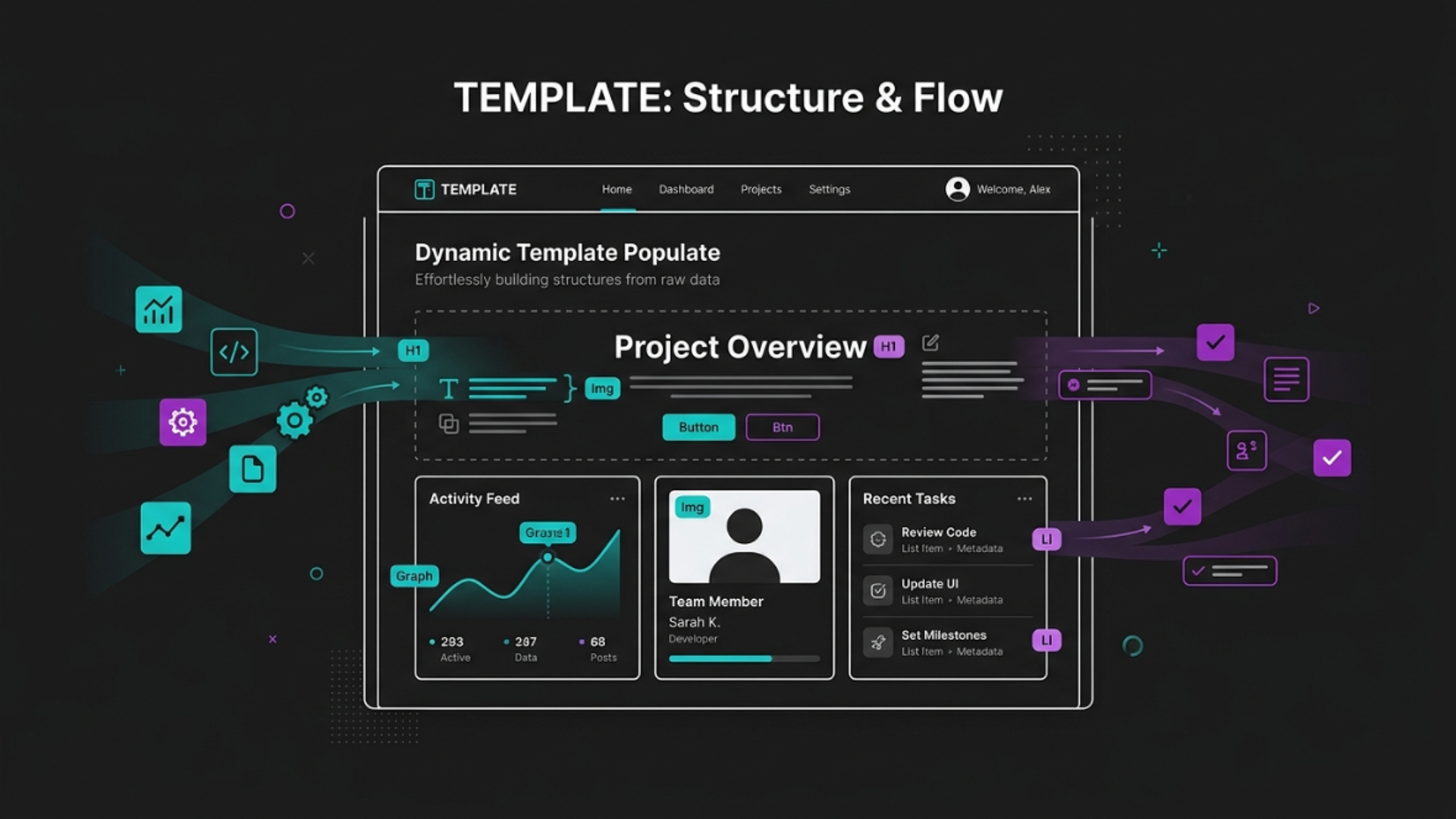
Templates
A template is an HTML file that your view sends to the browser. Instead of returning plain text, you return a proper web page with headings, images, buttons, and style. Both Flask and Django support templates.
Models (Django)
A model defines how your data is organised in the database. For example, a Student model might have fields like name, email, course, and enrollment_date. Django automatically creates the database table for you — no SQL needed.
ORM (Object Relational Mapping)
This is Django's superpower. Normally, you would need to write SQL to interact with a database. With Django's ORM, you write Python code and Django translates it into SQL for you automatically.
Static Files
CSS, JavaScript, and image files are called static files. They make your web app look good. Both Flask and Django have straightforward ways to manage them.
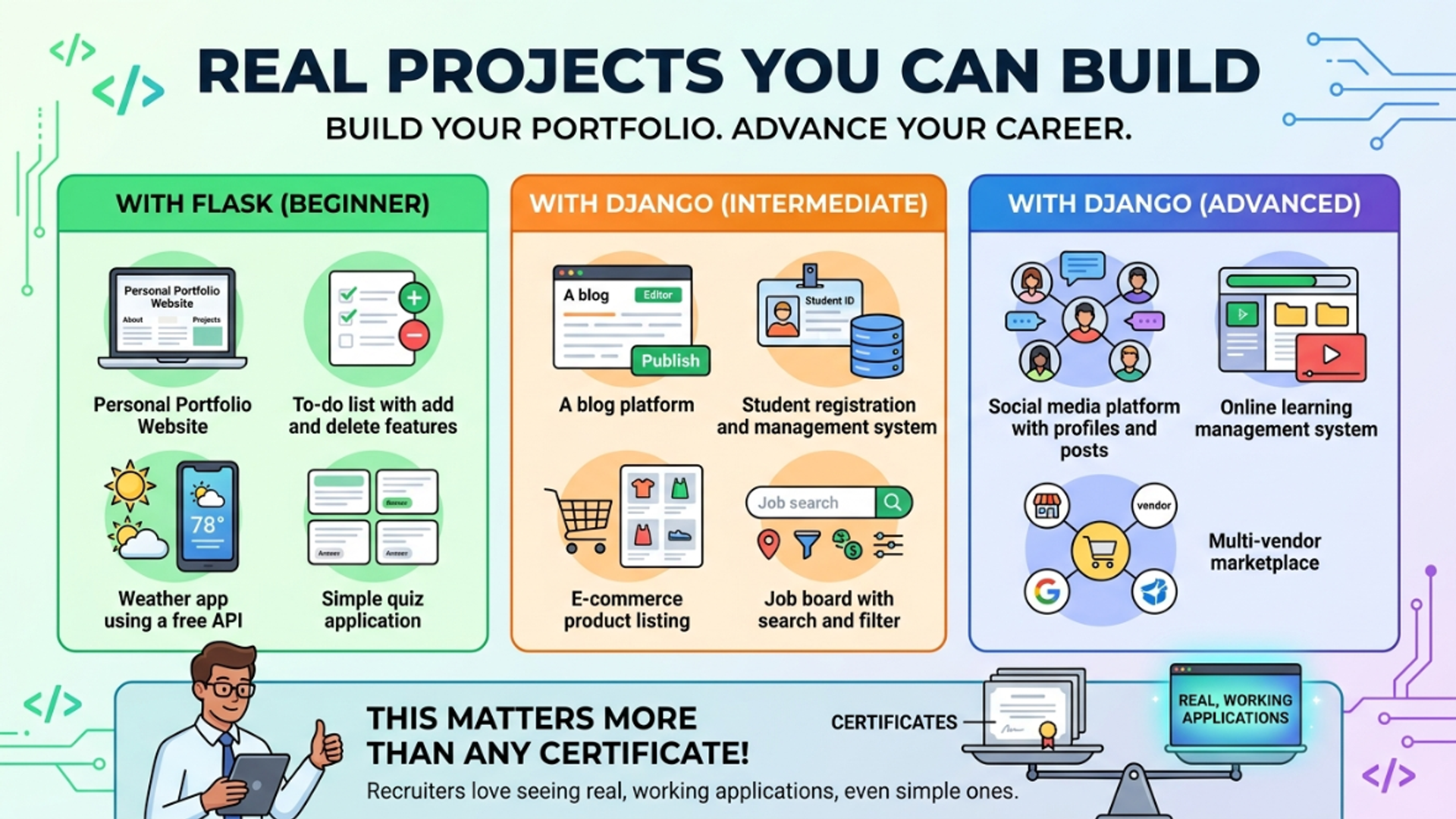
Real Projects You Can Build
Once you know the basics, here are some ideas to build your portfolio:
With Flask (beginner):
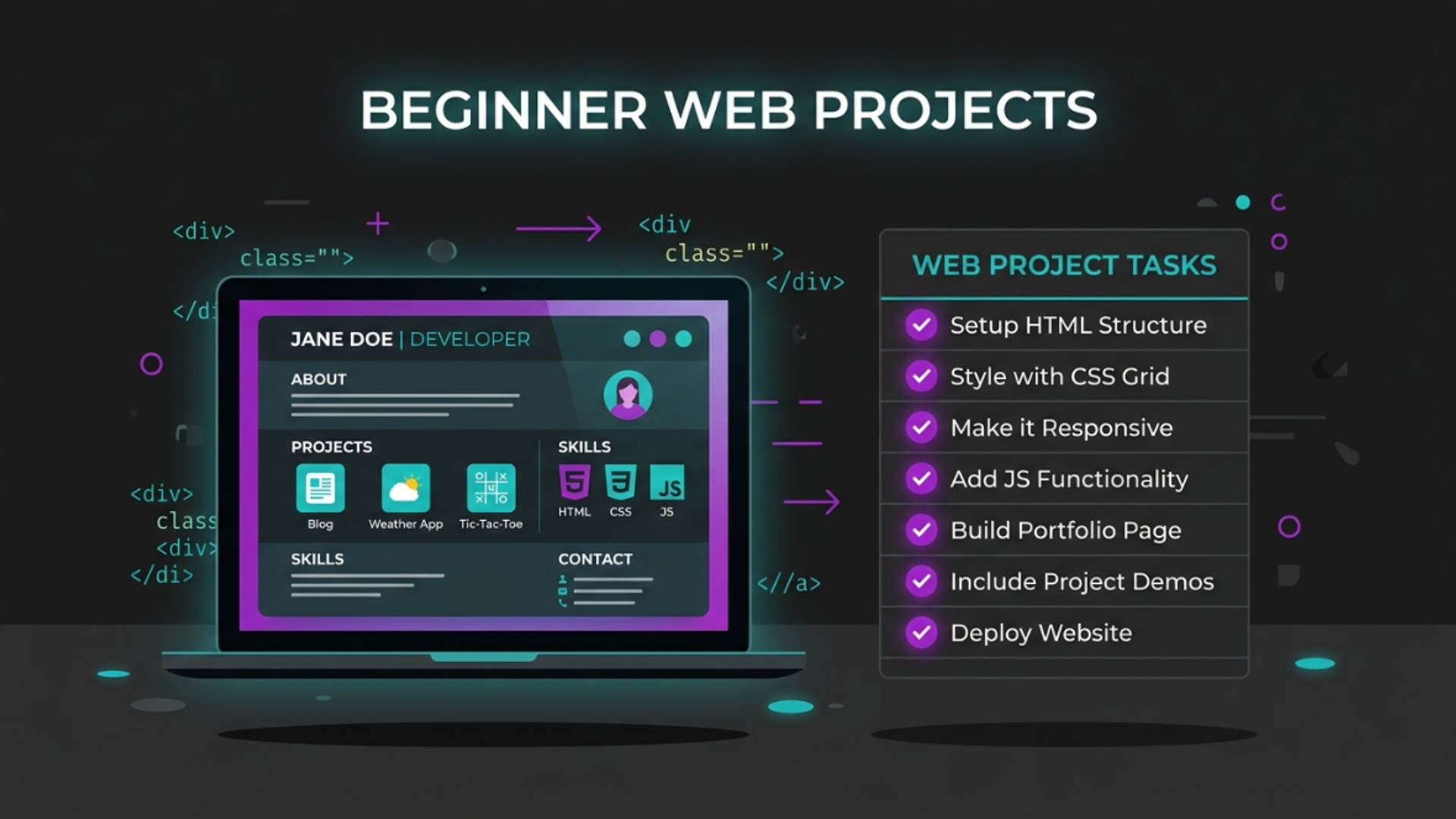
- Personal portfolio website
- To-do list with add and delete features
- Weather app using a free API
- Simple quiz application
With Django (intermediate):
- A blog platform (similar to the one you are reading right now)
- Student registration and management system
- E-commerce product listing
- Job board with search and filter
With Django (advanced):
- Social media platform with profiles and posts
- Online learning management system
- Multi-vendor marketplace
These projects do more for your career than any certificate. Recruiters love seeing real, working applications even simple ones.
Jobs and Salaries in India- 2026
Python web development is one of the fastest-growing skill areas in Indian tech right now. Here is what the job market looks like:
Job titles you can apply for:
- Python Developer
- Backend Developer (Python / Django)
- Django Developer
- Flask Developer
- Full Stack Developer (Python + HTML/CSS/React)
- API Developer
Salary expectations in India (2026):
Top companies hiring Python web developers in India include Tech Mahindra, Infosys, Wipro, Razorpay, Zepto, and hundreds of fast-growing startups in Mumbai, Pune, Bengaluru, Hyderabad, and Delhi.
The best news? You do not need a computer science degree to land these jobs. Your skills and your portfolio matter more than your academic background. Many CDPL alumni have made successful switches to Python development roles from completely non-IT backgrounds.
7 Tips to Learn Faster
Here are practical tips that will save you months of confusion:
- Type every line of code yourself. Copying and pasting is the enemy of learning. Muscle memory matters type it out, even if it feels slow.
- Break things on purpose. Once something works, try to break it. Change a variable name, remove a line, add something wrong. Then fix it. This is how you truly understand what each piece does.
- Master one framework first. Do not try to learn Flask and Django at the same time. Start with Flask, build 2–3 small projects, then move to Django.
- Build a real project as soon as possible. Exercises are fine for learning syntax. But building something real even a simple blog or to-do app teaches you 10x more.
- Read error messages carefully. Python error messages are actually very informative. They tell you exactly which line went wrong and why. Do not panic when you see a red error read it slowly and follow the clue.
- Use official documentation. Flask docs (flask.palletsprojects.com) and Django docs (docs.djangoproject.com) are excellent and beginner-friendly.
- Be consistent over intense. 1 hour of coding every day will take you further than a 10-hour session on Sunday followed by nothing for a week.
Common Mistakes to Avoid
Learn from what trips up most beginners:
- Skipping Python basics: If you cannot write a Python function, loop, or class confidently, learn those first before jumping into Flask or Django.
- Not using virtual environments: Always work inside a virtual environment. It prevents version conflicts that are very frustrating to debug.
- Building without understanding: Copy-pasting code without understanding it will only work until something breaks and then you will be completely lost.
- Giving up after the first error: Errors are not failures. They are information. Every professional developer hits errors every single day. The skill is learning to read them, not avoid them.
- Waiting to feel "ready": There is no perfect moment to start. The only way to get better is to start now, however imperfect it feels.
How CDPL Can Help You Go from Learner to Employed
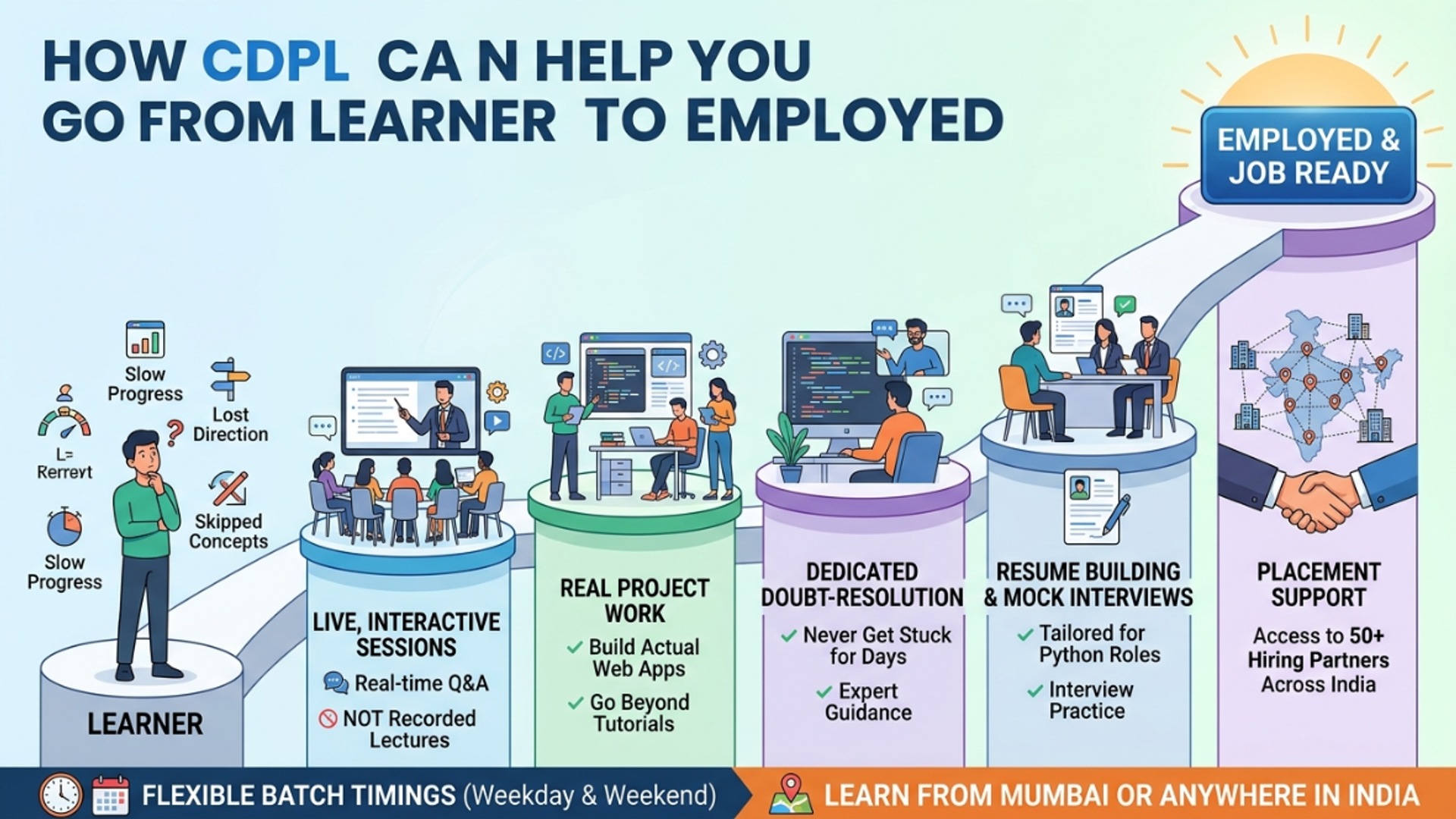
Learning on your own is absolutely possible. But it is slow, and it is easy to lose direction spending weeks on the wrong things, skipping important concepts, or not knowing what to build.
At Cinute Digital (CDPL), our Python and Web Development courses are structured to get you job-ready in the most efficient way:
- Live, interactive sessions with industry professionals not recorded lectures
- Real project work you build actual web apps, not just follow along with tutorials
- Dedicated doubt-resolution so you never get stuck for days on a single problem
- Resume building and mock interviews tailored for Python developer roles
- Placement support with access to our network of 50+ hiring partners across India
Whether you are in Mumbai or learning from anywhere in India, CDPL's flexible batch timings (weekday and weekend) are designed to fit around your current schedule.
Conclusion
Flask and Django are two of the best tools available for building web applications with Python and both are within reach for a beginner.
Here is the simple roadmap:
- Learn Python basics (variables, loops, functions, classes)
- Build your first Flask app (routes, views, templates)
- Build 2–3 Flask projects to get confident
- Move to Django (models, ORM, admin panel, authentication)
- Build a full Django project to put on your portfolio
- Apply for Python developer roles
The whole journey from zero to job-ready is absolutely achievable in 4 to 6 months with focused effort and the right guidance.
The first step is the hardest. So take it today.
Open your terminal. Type pip install flask. Write your first route. See your first message in the browser.
That small moment "Hello, World!" appearing because of code you wrote will feel more rewarding than you expect. And it is the beginning of an entirely new career path.
Frequently Asked Questions (FAQs)
1. Which is better for beginners: Flask or Django?
If you're completely new to web development, Flask is usually the better starting point. Its simple structure helps you understand core concepts like routes, views, and templates without overwhelming you. Once you're comfortable building small projects in Flask, you can move on to Django for larger, more feature-rich applications.
2. Do I need to learn Python before learning Flask or Django?
Yes. Flask and Django are Python frameworks, so you should first understand Python basics such as variables, loops, functions, classes, and data structures. A strong Python foundation will make learning either framework much easier and faster.
3. How long does it take to become job-ready with Flask and Django?
For most beginners, becoming job-ready typically takes around 4–6 months of consistent learning and project building. The timeline depends on your dedication, practice hours, and the number of real-world projects you complete for your portfolio.
4. Can I get a Python developer job without a computer science degree?
Absolutely. Many companies focus more on your practical skills, portfolio projects, and problem-solving abilities than your academic background. If you can demonstrate real Flask or Django applications and understand web development fundamentals, you can apply for Python developer and backend developer roles regardless of your degree.
5. What kinds of applications can I build with Flask and Django?
Both frameworks can be used to build powerful web applications. Flask is commonly used for APIs, personal websites, dashboards, and lightweight applications, while Django is ideal for blogs, e-commerce platforms, student management systems, job portals, social media platforms, and other large-scale web applications that require authentication, database management, and admin functionality.
Tags

A visionary data scientist dedicated to unlocking the potential of data to drive informed decision-making and spark innovation. With a strong foundation in Data Science.