
Computer Vision Projects Using Python & OpenCV for Beginners
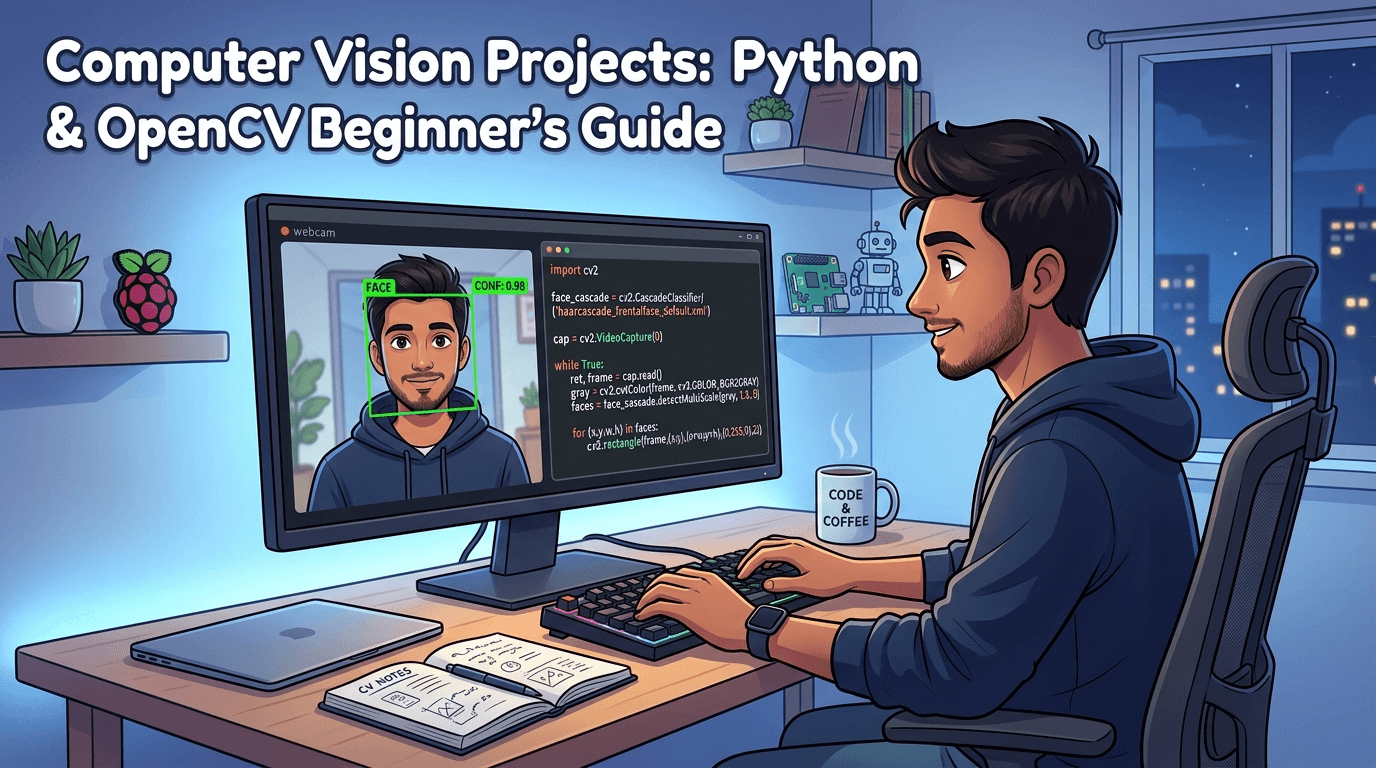
Want to break into AI and machine learning? Learn the top computer vision projects using Python & OpenCV with a free roadmap, career guide, and step-by-step tips for absolute beginners.
Computer vision is one of the fastest-growing skills in the tech world. This blog post breaks down everything a beginner needs — from setting up Python and OpenCV to building real-world projects that hiring managers actually want to see on your resume. Whether you are a student, a fresher, or someone switching careers, this guide gives you a clear, honest, and actionable path to start building impressive computer vision projects today.
Let me ask you something honest.
You have spent months learning Python. You have watched tutorials, followed courses, and maybe even built a calculator app or two. But when someone asks "What projects have you built?" you go quiet.
Sound familiar?
That is the exact problem most students and freshers face in 2026. They have theoretical knowledge but zero real-world projects to show. And in today's job market, no projects means no interview calls.
Here is the good news: Computer Vision is one of the few skills where even ONE strong beginner project can completely change your resume, your confidence, and your career. This guide is going to fix that right now.
What Is Computer Vision and Why Should Beginners Care?
Computer Vision is a field of Artificial Intelligence that teaches machines to "see" and understand images and videos just like the human eye does. Using Python and OpenCV (Open Source Computer Vision Library), even a complete beginner can build powerful applications that detect faces, read text from images, track objects in real time, and much more.
Whether you are a college student, a recent graduate, or someone looking to switch into tech, learning computer vision projects using Python and OpenCV is one of the smartest moves you can make in 2026. The demand is high. The salaries are competitive. And the barrier to entry if you have the right guidance is surprisingly low.
Let us walk through everything you need to know, step by step.
Why Computer Vision Skills Matter More Than Ever in 2026
Think about the apps you use every day.
Google Lens identifying objects through your phone camera. Zomato detecting your face for contactless delivery. Hospitals using AI to detect tumors in X-ray scans. Security cameras that recognise faces automatically. Self-driving cars that "see" the road in real time.
Every single one of these is powered by Computer Vision.
According to industry reports, the global computer vision market is expected to cross $41 billion by 2030. Companies across healthcare, automobile, retail, security, and agriculture are hiring engineers who can build and deploy vision-based AI systems.
And here is what makes it even more exciting most companies still struggle to find freshers who have practical project experience in this field. That means right now, in 2026, if you build even 2 to 3 solid computer vision projects, you are already ahead of 80% of your competition.
Want to build industry-ready AI skills from scratch? → Browse All Courses at Cinute Digital
Career Opportunities and Salary Potential in Computer Vision
Let us talk about the part that actually matters to most students jobs and money.
Job Roles You Can Apply For
- Computer Vision Engineer
- AI / ML Engineer
- Deep Learning Researcher
- Image Processing Developer
- Robotics Vision Specialist
- Data Scientist (with vision focus)
- Autonomous Systems Developer
Salary Ranges in India (2026 Estimates)
Entry Level (0–2 years): ₹4.5 LPA – ₹9 LPA
Mid Level (2–5 years): ₹10 LPA – ₹22 LPA
Senior Level (5+ years): ₹25 LPA – ₹50+ LPA
Global Salaries (USD)
Entry Level: $65,000 – $90,000/year Senior Level: $120,000 – $180,000/year
Companies like Google, Microsoft, Infosys, TCS, Wipro, and hundreds of AI start-ups are actively hiring computer vision engineers. Even mid-sized companies in India are building in-house AI teams and looking for candidates with real project portfolios.
The opportunity is real. The question is are you ready to grab it?
Start your career journey today → Join our Career-Focused AI Course at Cinute Digital
Top Computer Vision Projects for Beginners Using Python & OpenCV
Here are 8 beginner-friendly projects you can build and add to your portfolio. Each one is practical, interview-worthy, and buildable with just Python and OpenCV.
1. Face Detection System
Difficulty: Very Easy
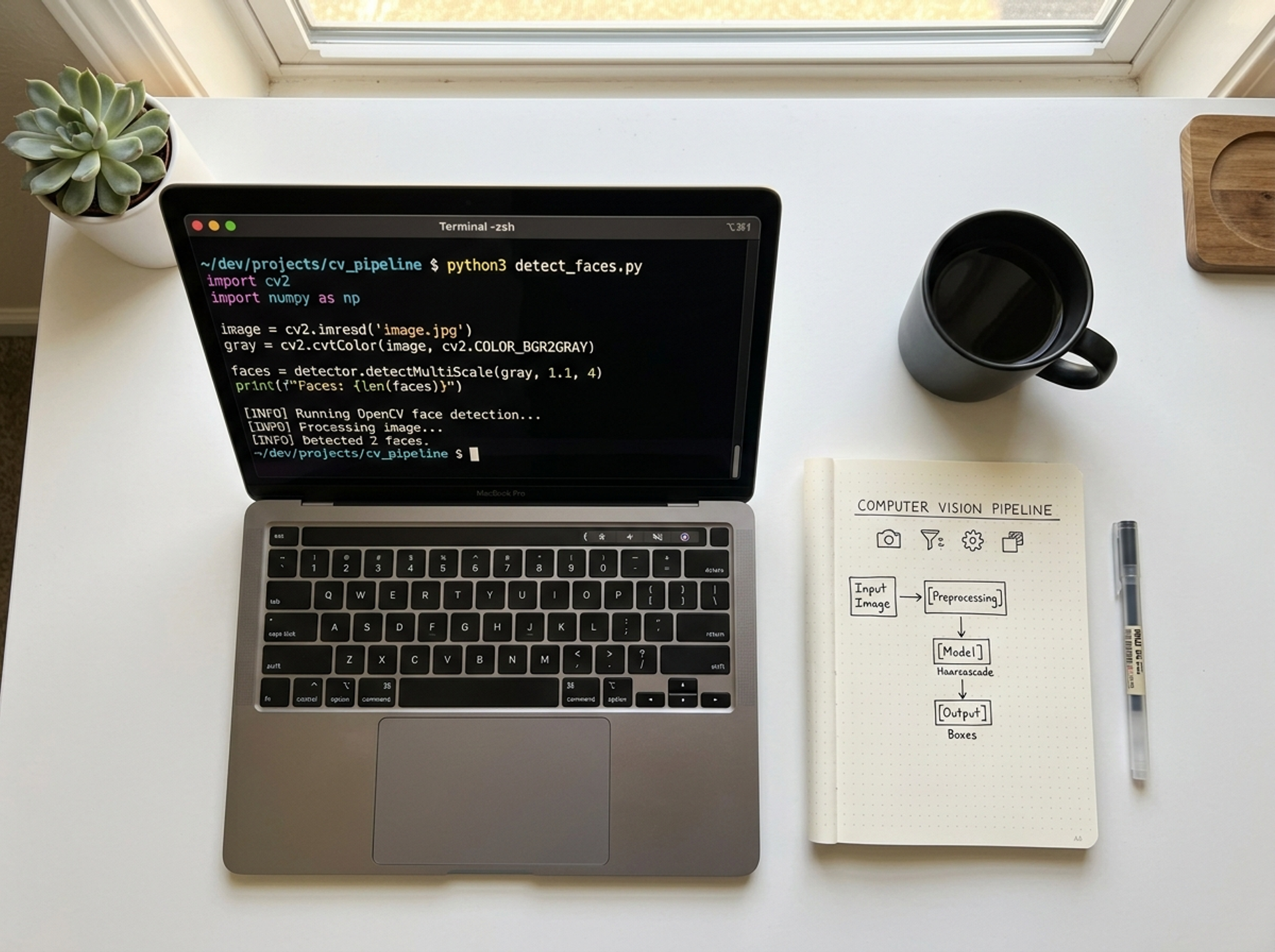
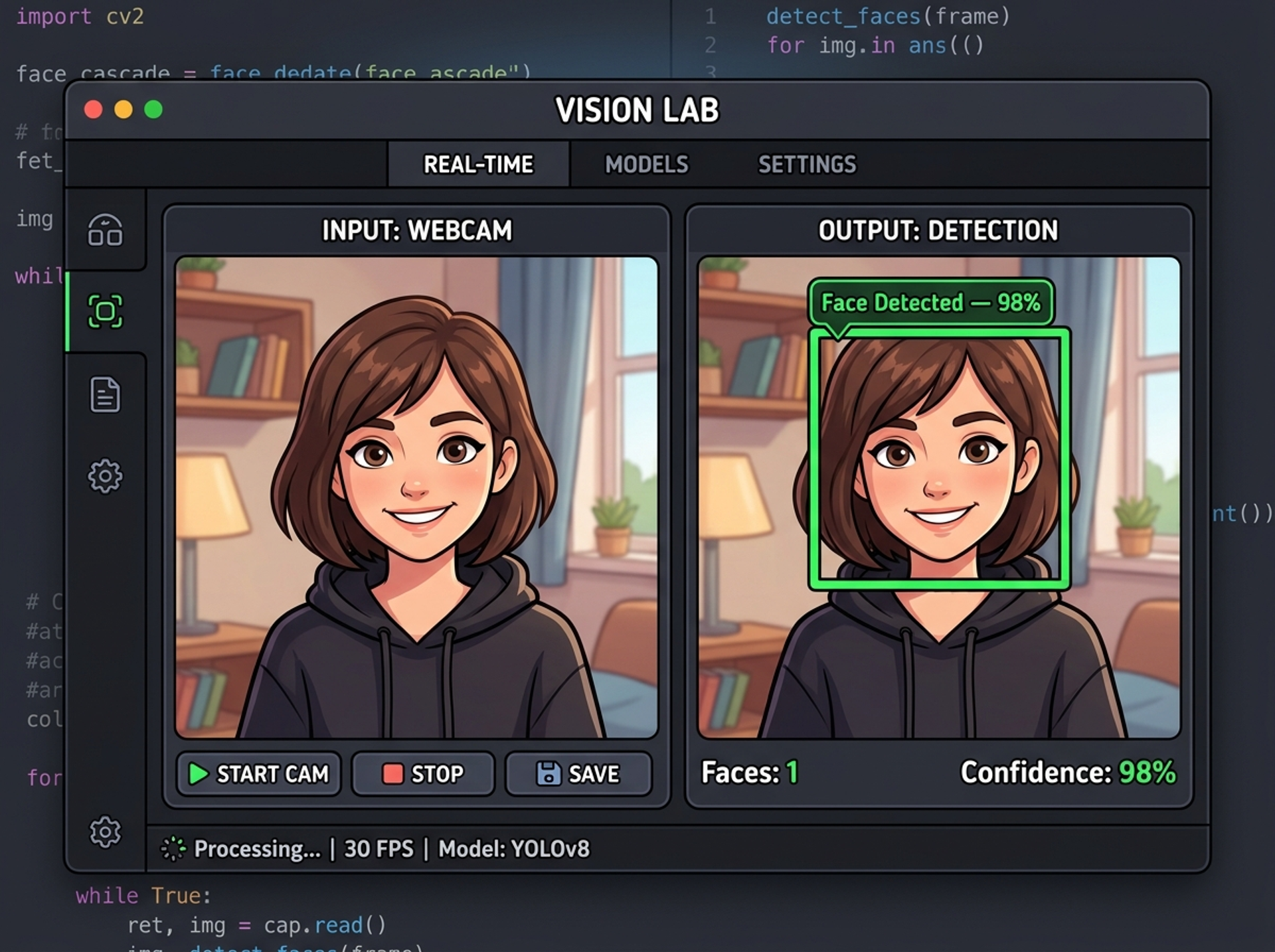
Build a program that detects human faces in images or a live webcam feed using Haar Cascade classifiers in OpenCV. You will learn how to load pre-trained models, draw bounding boxes around detected faces, and integrate real-time webcam input.
Real-world use: Security cameras, attendance systems, social media filters
2. Vehicle and Pedestrian Detection
Difficulty: Easy–Medium
Use pre-trained models to detect cars, bikes, and pedestrians from video footage or a live camera feed. This project teaches you background subtraction techniques, working with video files in OpenCV, and the basics of object tracking.
Real-world use: Traffic monitoring, smart city systems, parking automation
3. Hand Gesture Recognition
Difficulty: Easy–Medium
Build a system that identifies hand gestures like thumbs up, peace sign, or open palm using contour detection and convex hull. You will learn image masking, HSV color filtering, and convex defect analysis.
Real-world use: Gesture-controlled apps, sign language translation, gaming
4. Text Recognition from Images (OCR)
Difficulty: Medium
Use Tesseract OCR with OpenCV to extract text from images, screenshots, or scanned documents automatically. This project teaches image preprocessing for OCR, using the pytesseract library, and handling visual noise in images.
Real-world use: Invoice scanning, ID verification, document digitization
5. Emotion Detection from Faces
Difficulty: Medium
Build a model that detects whether a person is happy, sad, surprised, or angry using deep learning integrated with OpenCV. You will learn face alignment, Region of Interest (ROI) extraction, and softmax prediction outputs.
Real-world use: Customer sentiment analysis, mental health apps, HR tools
6. Plant Disease Detection
Difficulty: Medium
Train a model to identify diseases in plant leaves from images. A perfect final-year project with strong social impact. You will work with image segmentation, CNN model training, and real agricultural datasets from Kaggle.
Real-world use: Agri Tech, farmer support apps, precision farming
7. Automatic Number Plate Recognition (ANPR)
Difficulty: Medium–Hard
Build a system that detects and reads vehicle number plates from images or live video using OpenCV and OCR. This project teaches contour-based plate detection, ROI extraction, and applying OCR on filtered image regions.
Real-world use: Toll booths, parking systems, law enforcement
8. Eye Blink Detection for Drowsiness Alert
Difficulty: Medium–Hard
Detect whether a driver is getting drowsy by tracking eye blink rate using facial landmarks and dlib. You will learn Eye Aspect Ratio (EAR) calculation, facial landmark detection, and real-time alert triggering.
Real-world use: Driver safety systems, anti-sleep alarms, automobile AI
Want step-by-step guidance to build these projects? → Learn Computer Vision with Expert Mentors at Cinute Digital
Common Mistakes Beginners Make (And How to Avoid Them)
Most students who try to learn computer vision quit within two weeks not because they are not smart enough, but because they make the same avoidable mistakes.
Mistake 1: Starting with Theory Instead of Projects
Many beginners spend weeks reading about CNN architectures and neural network diagrams without ever writing a single line of OpenCV code.
Fix: Start with a simple face detection project on Day 1. Theory will make far more sense once you have seen it working in front of you.
Mistake 2: Copying Code Without Understanding It
Copy-pasting GitHub code may give you a working demo, but it will not prepare you for interviews or real jobs.
Fix: Type every line manually. Break things on purpose. Fix them again. That is how real learning happens.
Mistake 3: Skipping Image Preprocessing
Many beginners skip steps like grayscale conversion, Gaussian blur, and thresholding and then wonder why their model gives wrong results.
Fix: Always preprocess your images before feeding them into any model. Clean input always gives better output.
Mistake 4: Not Documenting Their Projects
Building a project is only half the job. If you do not document it properly with a README, screenshots, and a short explanation, recruiters will not know what you built.
Fix: Upload every project to GitHub with a clear README. Write 3 to 5 lines explaining what the project does and how it works.
Mistake 5: Trying to Learn Everything Alone
Self-study works but it is slow and full of frustration without the right guidance. Students who learn under mentors progress 3x faster on average.
Fix: Join a structured training program with mentorship, live sessions, and doubt-clearing support.
We built exactly that for you → Start Learning with Mentors at Cinute Digital
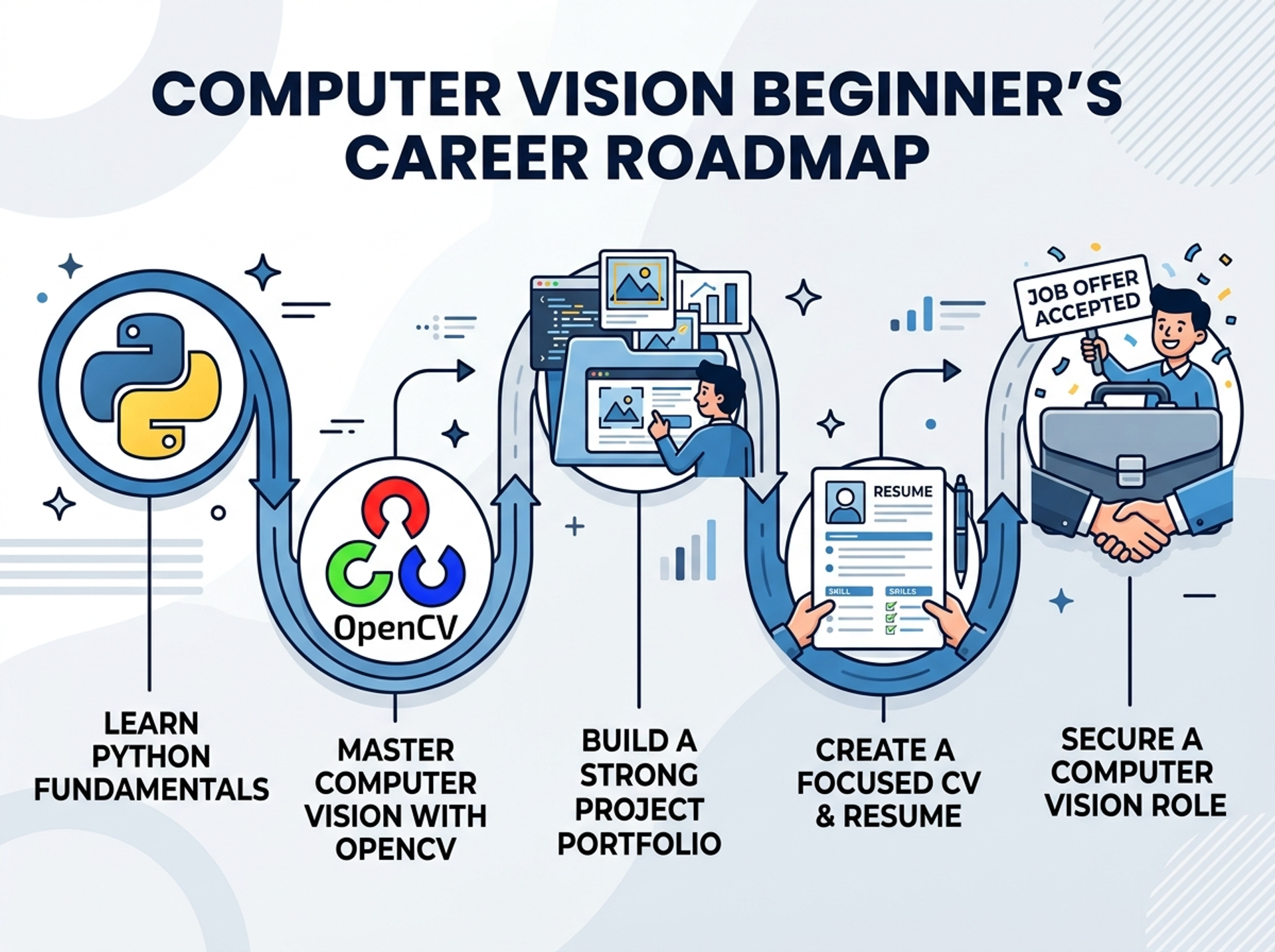
Free Roadmap: How to Start Computer Vision Projects in 30 Days
No fluff. No expensive tools. Just a clean, honest plan.
Week 1 : Foundation Setup
Day 1–2: Install Python 3.10+ and OpenCV. Set up VS Code or Jupyter Notebook. Run your first image display program.
Day 3–4: Learn basic image operations — read, write, resize, crop, and rotate. Understand the difference between BGR and RGB colour space.
Day 5–7: Learn grayscale conversion, blurring, and edge detection. Build your first project: Edge Detection on any image.
Week 2 : Core Computer Vision Skills
Day 8–10: Learn contour detection and shape recognition. Understand Haar Cascades. Build: Face Detection System using webcam.
Day 11–14: Learn image segmentation using thresholding and masking. Build: Color-based Object Detector. Learn HSV color space filtering.
Week 3 : Intermediate Projects
Day 15–17: Learn feature detection (SIFT, ORB). Understand background subtraction. Build: Motion Detection System.
Day 18–21: Introduction to deep learning with OpenCV. Load and use pre-trained models like YOLO and MobileNet. Build: Object Detection on a Video Feed.
Week 4 : Portfolio Projects + Deployment
Day 22–25: Build Automatic Number Plate Recognition (ANPR). Build an Emotion Detection System.
Day 26–28: Upload all projects to GitHub. Write README files for each project. Take screenshots and record short demos.
Day 29–30: Update your resume with project descriptions. Apply for internships and entry-level jobs. Start building your second-level skill with TensorFlow or PyTorch.
Pro Tip: Do not skip documentation. Recruiters spend less than 60 seconds on a resume. Your GitHub projects are your proof.
Best Tools and Platforms to Learn Computer Vision
🛠️ Core Libraries
- OpenCV : Image and video processing (must-know)
- NumPy : Array operations for image data
- Matplotlib : Visualising images and results
- Pillow (PIL) : Basic image manipulation
- dlib : Facial landmark detection
- TensorFlow / Keras : Deep learning model training
- PyTorch : Research-grade model building
- YOLO (Ultralytics) : Real-time object detection
Development Tools
Python 3.10+, VS Code or PyCharm, Jupyter Notebook, Google Colab (free GPU), and Anaconda for managing environments.
Datasets to Practice
Kaggle, Open Images Dataset by Google, COCO Dataset for object detection, LFW Dataset for face recognition, and ImageNet for large-scale image classification.
Where to Learn
At Cinute Digital, we offer structured Python and AI courses with live sessions, project-based learning, and doubt-clearing support built specifically for beginners and students.
🔗 Explore Python & AI Courses at Cinute Digital 🔗 Know more about our teaching approach
FAQ Questions Beginners Always Ask
Q1. Do I need to know maths to learn computer vision?
Not deeply at the beginner level. You need a basic understanding of matrices and pixel values, which OpenCV handles for you. Focus on building projects first the mathematics will feel much easier once you see it applied in real code.
Q2. Is Python enough to get a computer vision job?
Yes, for most entry-level and mid-level roles. Python with OpenCV and TensorFlow or PyTorch is the standard industry stack. Focus on building a strong project portfolio alongside it.
Q3. How long does it take to learn computer vision?
With daily practice of 1 to 2 hours, you can build strong beginner projects within 30 days. In 3 to 4 months, you can be job-ready with a solid portfolio of 4 to 5 real projects.
Q4. Is computer vision good for freshers in India?
Absolutely. India's AI and ML job market is growing at over 30% year-on-year. Freshers with hands-on project experience are getting hired by startups, IT companies, and product-based firms regularly.
Q5. What is the best first project to start with?
Face Detection using Haar Cascades. It is simple to build, visually impressive, and works in real time on your webcam. You can complete it in under 2 hours and it looks great on your resume.
Q6. Do I need a GPU to run computer vision projects?
Not for beginner projects. OpenCV-based projects run perfectly on any regular laptop. For deep learning models, use Google Colab which gives you a free GPU in the cloud. No hardware investment needed to start.
Q7. Where can I get mentorship for learning these projects?
We are here for exactly that. At Cinute Digital, we offer structured courses with live sessions, project-based learning, and doubt-clearing support designed specifically for beginners.
🔗 Connect with our team and get started today
Start Building. Start Growing. Your Career Won't Wait.
Here is the truth that most tutorials will not tell you.
The students who get hired are not the ones who know the most theory. They are the ones who built something real and had the confidence to show it.
Computer vision is not a skill for the future anymore. It is a skill the market is demanding right now, today, in 2026.
You now have the roadmap. You know the tools. You know the projects. The only thing left is to start.
Whether you are a final-year student, a fresh graduate, or someone completely new to tech this is the right time. The door is open. All you need to do is walk through it.
🔗 Visit Cinute Digital and explore all our courses 🔗 Learn more about who we are and our mission 🔗 Have questions? Talk to our team directly 🔗 Browse All AI & Python Courses and take the first step today
Tags

Cezzane Khan is a dedicated and innovative Data Science Trainer committed to empowering individuals and organizations.