
AI for Front-End Developers: Using LLMs to Generate Code, Tests & Docs
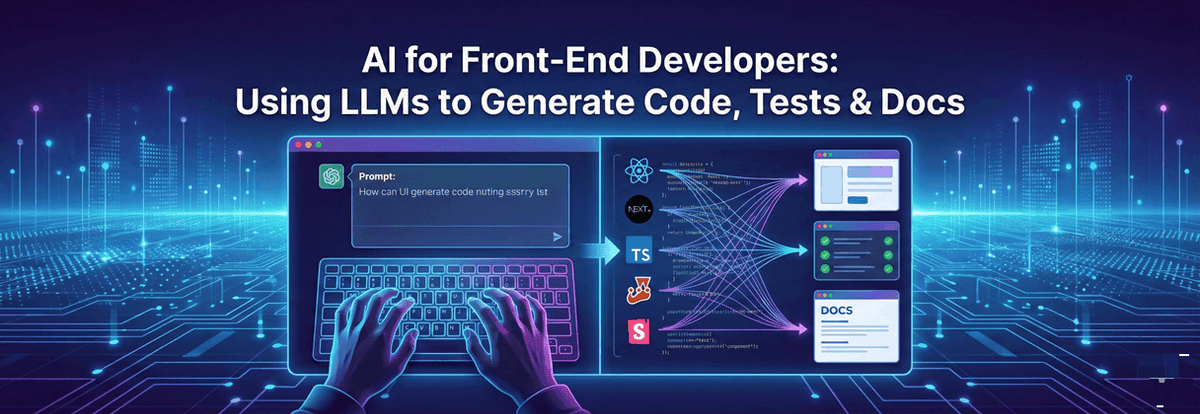
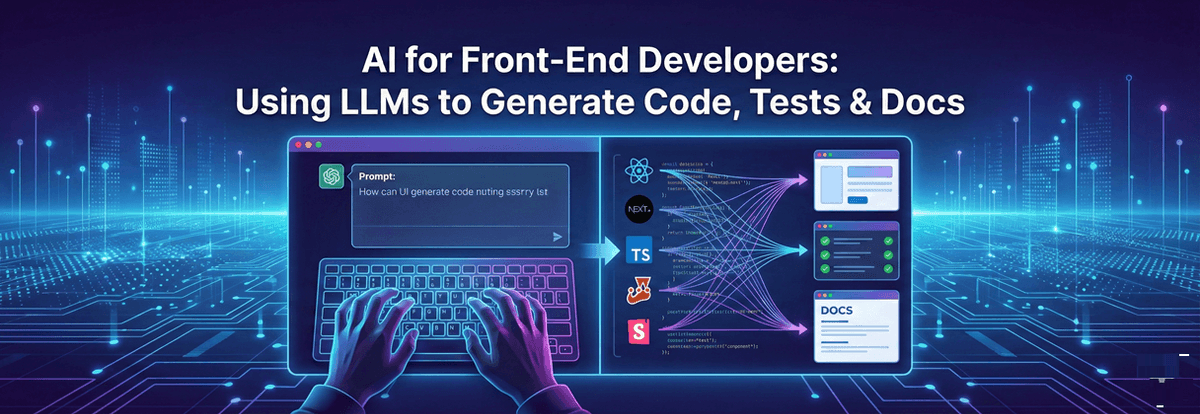
Turn AI into a force multiplier for your UI stack. Learn prompt patterns, guardrails, test-first workflows, Storybook automation, and CI integration to ship reliable, documented React and Next.js features faster.
A hands-on 2025 playbook for front-end engineers to use LLMs to scaffold React/Next.js components, write TypeScript, generate unit/e2e tests, create Storybook and MDX docs, and wire everything into CI with safety and quality controls.
Introduction
Large Language Models (LLMs) are no longer just autocomplete—they’re reliable collaborators that can scaffold components, refactor TypeScript, write Jest/Testing Library specs, produce Playwright e2e flows, and even draft Storybook stories and MDX docs. Used well, they compress days of work into hours while improving consistency and coverage. Used poorly, they generate brittle code and silent regressions.
This guide shows front-end developers how to plug LLMs into a modern React/Next.js stack, with prompt patterns, guardrails, examples, and CI integration. You’ll learn how to generate code you can trust, validate it with tests, and ship discoverable, documented UI—faster.
LLM-First Front-End Workflow: The Big Picture
An AI-augmented front-end loop looks like this:
- Intent & Specs: Describe user stories, acceptance criteria, and constraints (design tokens, accessibility, performance).
- Scaffold: Ask the LLM to generate component structure, types, and state management without heavy styling first.
- Tests first: Produce Jest/RTL unit tests and Playwright e2e scripts to lock behavior.
- Wire to data: Add hooks, fetchers, and adapters; then harden types.
- Docs: Generate Storybook stories and MDX usage with props tables and a11y notes.
- CI guardrails: Prettier/ESLint/TypeCheck + unit/e2e + Lighthouse/Pa11y budgets + review prompts.
Keep humans in the loop: you review architecture, naming, and edge cases; the model handles repetitive scaffolding and boilerplate.
Prompt Patterns that Produce Clean, Typed React Code
Prompts should be deterministic, constrained, and contextual. Provide the target framework, file boundaries, and style rules.
Why it works: You bound the output to specific files, libraries, and accessibility rules, which steers the model away from hallucinated dependencies.
Scaffolding a Headless Component (TypeScript First)
Ask the model to generate a minimal, typed component with exhaustive props and predictable state transitions.
Keep it headless; styling can be slots or wrapper classes. This makes the component reusable across design systems.
Generating Unit Tests with Jest & Testing Library
Once the skeleton exists, ask the LLM to write behavior-driven tests that validate navigation, boundary conditions, ARIA attributes, and callbacks.
Prompt tip: Ask for tests that fail when accessibility contracts break—this locks in a11y as a non-regression requirement.
Playwright E2E: From User Story to Script
For critical flows (checkout, login, search), generate Playwright tests from acceptance criteria. Provide route URLs, data states, and selectors.
Pin endpoints and IDs in fixtures to make tests stable; ask the LLM to refactor selectors to role-based queries for resilience.
Docs that Don’t Rot: Storybook + MDX via AI
LLMs excel at turning prop types and examples into living docs. Prompt for CSF3 stories, controls, and accessibility notes. Then add an MDX page with usage and do/don’t patterns.
Automate docs generation in CI: extract prop tables from TypeScript and regenerate MDX on changes—LLM fills narrative gaps.
Integrating with Next.js 15 & RSC: Data + Caching
For app routes, keep components server-first and pass small client islands only when interactivity is required. Ask the LLM to produce an RSC data loader and a client wrapper.
Keep Pagination headless and client if it needs event handlers; otherwise render static anchors for crawlable pagination URLs.
CI Guardrails: Make AI Output Safe & Maintainable
Automate quality checks so generated code never lands broken:
- Static checks: TypeScript strict, ESLint (including a11y plugins), Prettier.
- Tests: Jest + RTL (unit) and Playwright (e2e) on PRs; threshold coverage gates.
- Performance: Lighthouse budgets; block regressions in LCP/INP/CLS.
- Accessibility: Storybook a11y, Pa11y/axe CI runs, snapshot ARIA roles.
- Security: Dependabot + npm audit; block risky packages.
Ask the LLM to write the CI file then review tokens, permissions, and cache keys manually.
Refactoring with AI: From JS to Strict TypeScript
LLMs shine at mechanical refactors: converting JS to strict TS, extracting hooks, or flattening prop drilling. Provide a small example and rules (no any, explicit generics, exhaustive unions).
Run tsc --noEmit in CI to enforce correctness.
Accessibility, i18n, and Design Tokens—Baked In
Include a11y and i18n in your prompts so generated code adopts them by default:
- Ask for semantic roles and labels; require keyboard and screen reader flows.
- Provide translation keys and directionality (LTR/RTL) examples.
- Pass your design tokens (spacing, colors, radius) and ask for token-aligned class names or inline styles.
LLM output mirrors your inputs—seed it with your team’s standards.
Common Pitfalls & How to Avoid Them
- Hallucinated APIs: Prevent by pinning library versions and asking for imports explicitly.
- Over-engineered code: Demand minimal dependencies and headless patterns; ban global state unless justified.
- Flaky tests: Use role-based queries, deterministic test data, and test retries for e2e.
- Docs drift: Regenerate Storybook/MDX from types on PRs; fail CI if signatures mismatch.
- Security & licenses: Ask the model to avoid GPL-incompatible snippets; run license checks.
Advanced: AST-Aware Edits & Spec-Driven Generation
For large repos, prefer spec-first generation: provide JSON/TS interfaces for props and state, then ask the LLM to implement against the spec. For safe edits, combine AI with AST tools (ts-morph, codemods) to enforce exact changes and run automated codemods in CI.
Feed this spec and require exhaustive props handling; generate tests that assert behavior across all branches.
Conclusion
LLMs are the new power tool for front-end teams: they scaffold components, cement behavior with tests, and create clean, searchable docs. The win isn’t just speed—it’s quality at scale when you pair AI with strict TypeScript, a11y-first patterns, Storybook, and CI guardrails.
Start small: pick one component, write the prompt with constraints, generate code + tests + docs, and wire the CI. Iterate on your prompt library, encode your design tokens, and let the model do the repetitive work while you focus on architecture, UX nuance, and edge cases.
The result: faster delivery, higher coverage, consistent documentation—and happier users.
Tags

A passionate and detail-oriented frontend developer with a strong knowledge in Web Development and strong foundation in HTML, CSS, JavaScript, React.js and Next.js.